애니메이션 GIF 개인정보 보호 도구

GIF 온라인 블러

움직이는 GIF를 업로드하고 숨길 영역을 선택한 뒤 효과를 적용해 블러 처리된 GIF를 다운로드하세요.
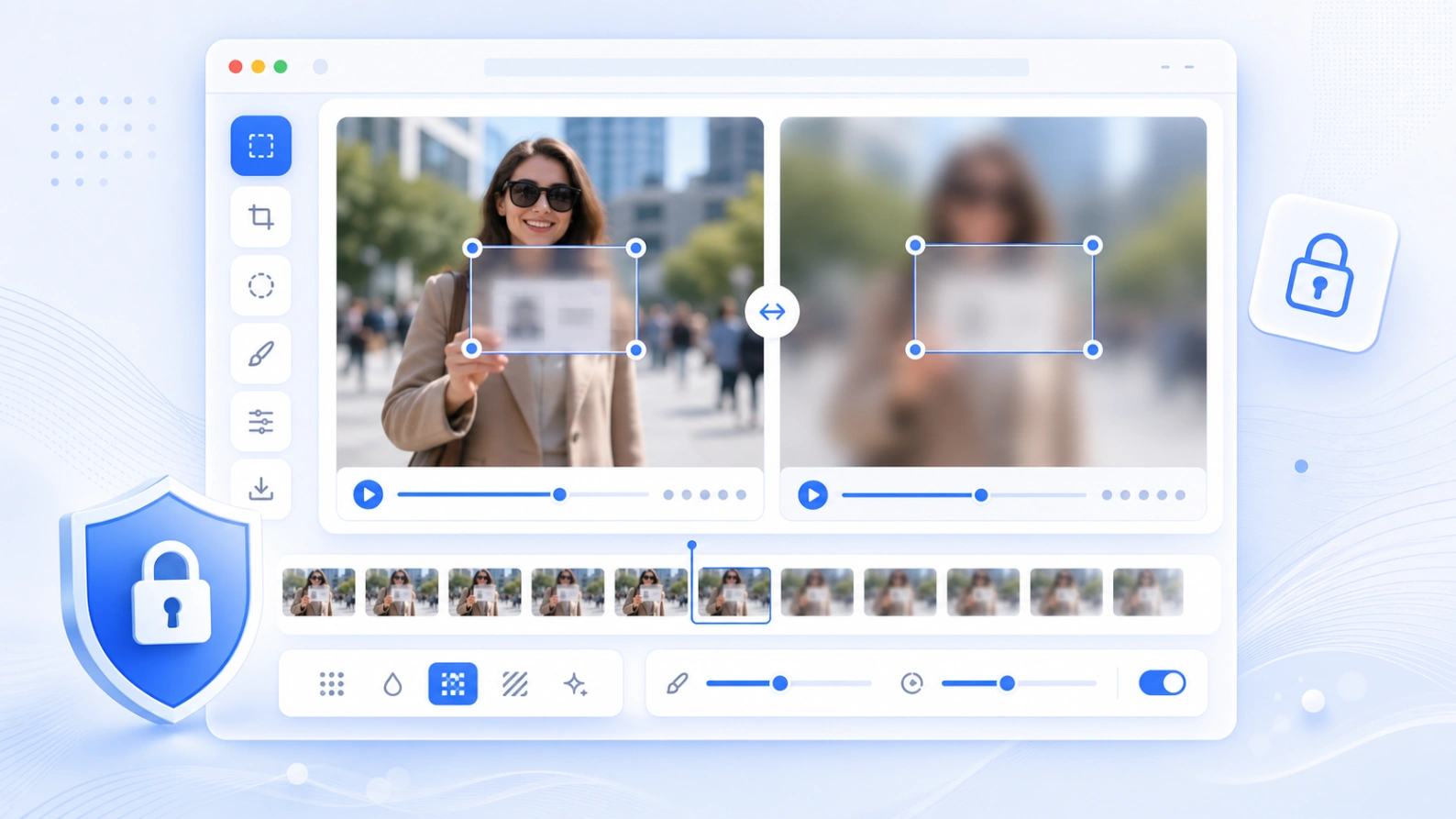
브라우저 처리애니메이션 GIF 내보내기블러 효과 선택

짧은 GIF 안의 얼굴, 텍스트, 표지판, 사용자 이름, 민감한 정보를 빠르게 숨길 수 있습니다.

GIF blur editor

사용 방법

온라인에서 GIF를 블러 처리하는 방법

The GIF editor keeps the workflow simple: upload, draw an area, choose the effect, preview the animation, then export.

01

Upload a GIF

Import an animated GIF from your device. The frames are decoded locally in your browser.

02

Select the private area

Drag the editable box over a face, caption, sign, username, license plate, or other detail.

03

Choose a blur effect

Use soft Gaussian blur, pixelation, or a solid mask depending on how obvious the edit should be.

04

Export the blurred GIF

Preview the original and blurred frames side by side, then download the processed animation.

주요 용도

GIF에서 숨길 수 있는 정보

Blur GIF Online is useful before posting short reaction GIFs, screen recordings, chat captures, product demos, or social clips.

Blur faces in GIFs

Hide people in short animated clips before sharing them on social media or in a public guide.

Blur text in GIFs

Cover names, emails, messages, usernames, order IDs, or private captions in animated screenshots.

Pixelate sensitive details

Make privacy edits visible when you need readers to understand that information was redacted.

Mask moving attention areas

Apply one consistent blur area across frames for quick privacy edits in short animations.

개인정보와 제한

짧은 GIF를 위한 로컬 편집

Your GIF is processed in the browser for preview and export. Large animated GIFs can use a lot of memory, so shorter clips work best on mobile devices.

No server upload for editing

The tool decodes frames and builds the blurred GIF on your device.

Best for short GIFs

For very large or high-frame-count GIFs, reduce the size first for faster preview and export.

Consistent area blur

The selected area is applied across the animation. Use video blur for moving objects that need keyframes.

FAQ

GIF 블러 질문

Answers for GIF format support, privacy, quality, preview, and export.

Can I blur an animated GIF online? +

Yes. Upload a GIF, draw a blur area, choose an effect, preview the frames, and export a new blurred GIF.

Does this GIF blur tool support animation? +

Yes. It reads the GIF frames and exports an animated GIF instead of only saving a still image.

Which blur effects are available? +

You can choose Gaussian blur, pixelation, or a solid mask. Gaussian is softer, pixelation is more obvious, and mask fully covers the area.

Is my GIF uploaded to a server? +

The editor runs in the browser for preview and export. Keep the page open while the GIF is being processed.

Why can a large GIF export slowly? +

Animated GIFs contain many frames. Each frame must be redrawn, blurred, color-quantized, and encoded, which can take time on mobile devices.

Can I blur a moving face in a GIF? +

This first editor applies one selected area across the animation. If the face moves a lot, use a larger area or convert the clip to video and use the video blur tool.