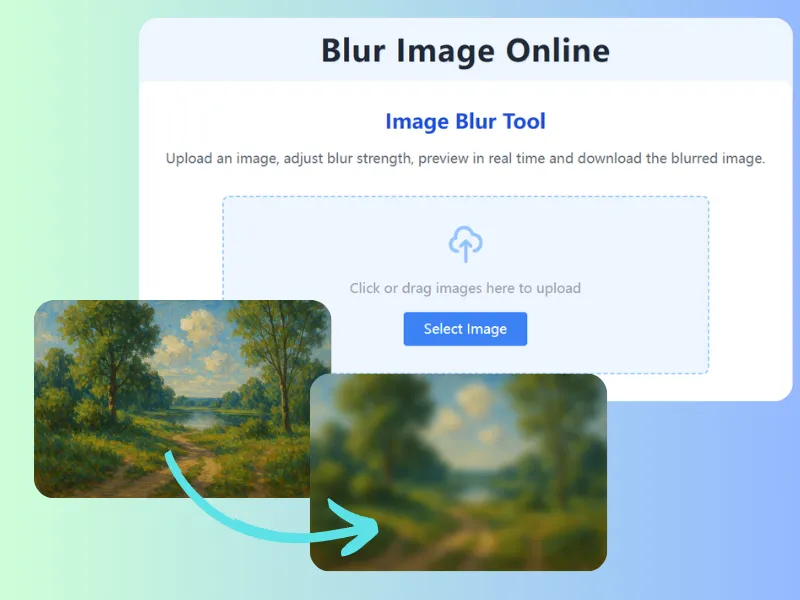
Privé afbeeldingen bewerken in je browser

Blur Part of Image Online

Most real editing tasks are not about blurring the whole picture. You may only need to hide one face, one name, one screen, one address label, or one distracting object. This page is built for that focused job: upload an image, paint over the exact part that needs attention, adjust the blur, and keep the rest of the image clear.

Beeldvervaging tool

Upload een afbeelding, pas de vervagingssterkte aan, bekijk de preview in real-time en download de vervagen afbeelding.

Precise enough for everyday privacy

Use the brush on faces, text, plates, documents, screens, product labels, receipts, background people, or anything that should not appear in the final image.

Avoid over-editing the whole photo

A full-image blur can ruin the useful part of a photo. Local blur keeps the subject, composition, and story intact while removing the detail that creates risk or distraction.

Preview at the size people will see

After blurring, check the image at normal size and zoomed size. If the hidden area is still readable, widen the painted area or increase the blur strength.

Zo werkt het

Hoe je blur part of image online

Upload de afbeelding, markeer het privégebied, controleer de preview en download een veiligere kopie.

  1. 1

    Upload the image that contains one or more areas to hide.

  2. 2

    Choose the paint blur mode and brush over the exact area.

  3. 3

    Adjust brush size and blur strength until the detail is hidden.

  4. 4

    Download the edited image with the rest of the picture still clear.

Veelgestelde vragen

Can I blur multiple parts of one image?

Yes. You can paint over several areas before downloading the final image.

Can I keep the rest of the image sharp?

Yes. Manual paint blur only affects the areas you cover with the brush.

What is the best use for partial image blur?

It is best for privacy details, screenshots, faces, labels, license plates, addresses, documents, and small distractions.

Klaar om je afbeelding te bewerken?

Open de blur-editor, verberg privégegevens en download het resultaat.

Blur part of an image