Sube un GIF
Importa un GIF animado desde tu dispositivo. Los fotogramas se decodifican localmente en el navegador.
Herramienta de privacidad para GIF animados
Sube un GIF animado, selecciona el área que quieres ocultar, elige un efecto y descarga un GIF desenfocado.
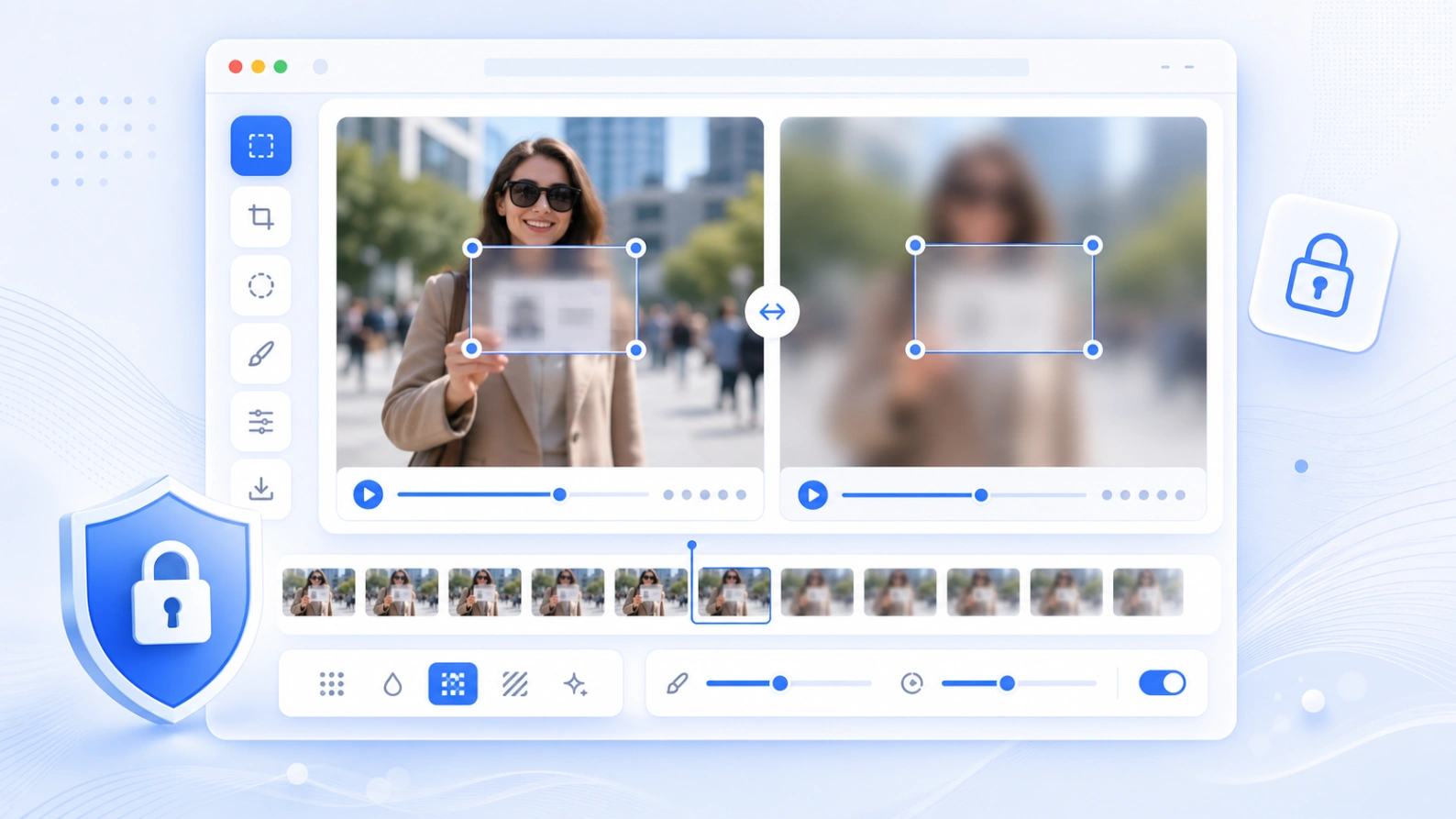
Pensado para ocultar caras, texto, señales, nombres de usuario y datos privados en GIF cortos.
Cómo funciona
Sube el GIF, marca el área, elige el efecto, revisa la animación y exporta el nuevo archivo.
Importa un GIF animado desde tu dispositivo. Los fotogramas se decodifican localmente en el navegador.
Arrastra el cuadro editable sobre una cara, texto, cartel, usuario, matrícula u otro detalle.
Usa desenfoque gaussiano, pixelado o una máscara sólida según cuánto quieras ocultar.
Previsualiza el original y el resultado lado a lado, y descarga la animación procesada.
Usos comunes
Útil antes de publicar GIFs cortos, grabaciones de pantalla, capturas de chat, demos de producto o clips sociales.
Oculta personas en clips animados antes de compartirlos en redes sociales o guías públicas.
Cubre nombres, emails, mensajes, usuarios, pedidos o subtítulos privados.
Haz visible que la información fue ocultada cuando necesitas una edición evidente.
Aplica una misma zona de desenfoque en todos los fotogramas para ediciones rápidas.
Privacidad y límites
El GIF se procesa en el navegador para vista previa y exportación. Los GIFs grandes consumen memoria, por eso los clips cortos funcionan mejor en móvil.
La herramienta decodifica fotogramas y genera el GIF desenfocado en tu dispositivo.
Si el GIF es grande o tiene muchos fotogramas, reduce su tamaño primero para acelerar el proceso.
El área seleccionada se aplica a toda la animación. Para objetos que se mueven mucho, usa desenfoque de video con keyframes.
FAQ
Respuestas sobre compatibilidad GIF, privacidad, calidad, vista previa y exportación.
Sí. Sube un GIF, dibuja el área de desenfoque, elige un efecto, revisa los fotogramas y exporta un nuevo GIF.
Sí. Lee los fotogramas del GIF y exporta un GIF animado, no solo una imagen fija.
Puedes usar gaussiano, pixelado o máscara. Gaussiano es más suave, pixelado es más evidente y la máscara cubre por completo.
La vista previa y la exportación se ejecutan en el navegador. Mantén la página abierta durante el proceso.
Cada fotograma debe redibujarse, desenfocarse, cuantizarse y codificarse de nuevo, lo que puede tardar en móviles.
Esta versión aplica una zona fija. Si la cara se mueve mucho, amplía el área o usa la herramienta de desenfoque de video.
Related tools
Desenfoca caras, texto, capturas y datos privados en imágenes fijas.
Abrir herramienta →Añade áreas temporizadas y keyframes a videos cortos.
Abrir herramienta →Haz censuras visibles en caras, matrículas, capturas y documentos.
Abrir herramienta →Reduce el tamaño del archivo después de editar para compartir más rápido.
Abrir herramienta →