Protege identidades antes de publicar
Usa esta página antes de compartir fotos de eventos, clases, equipos, clientes o redes sociales. Te ayuda a mantener el contexto de la imagen mientras ocultas caras y rostros que no debería quedar visible.
Edición privada de imágenes en el navegador
Edita fotos antes de publicarlas y oculta caras, texto, ubicaciones, matrículas, pantallas y detalles privados.
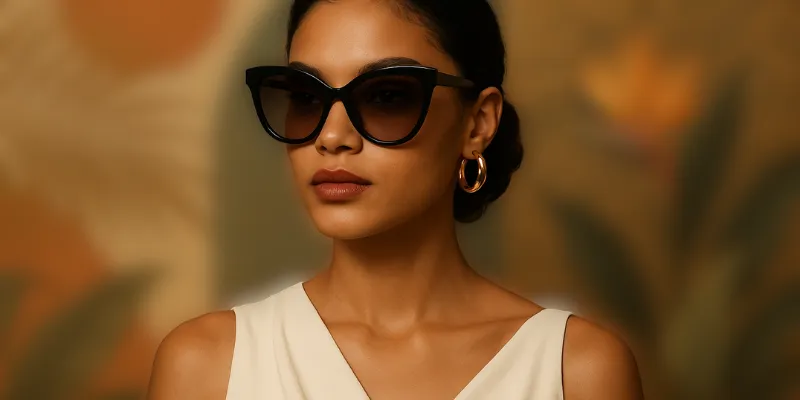
Sube una imagen, ajusta la intensidad del desenfoque, obtén una vista previa en tiempo real y descarga la imagen desenfocada.
Usa esta página antes de compartir fotos de eventos, clases, equipos, clientes o redes sociales. Te ayuda a mantener el contexto de la imagen mientras ocultas caras y rostros que no debería quedar visible.
La selección manual es útil cuando las herramientas automáticas no detectan bien caras y rostros. Puedes cubrir la zona exacta, ampliar un poco el borde y revisar el resultado antes de descargar.
Funciona bien para redes sociales, documentación, soporte, listados y contenido público donde quieres conservar la utilidad de la imagen sin exponer identidades personales.
Cómo funciona
El flujo es directo: sube la imagen, marca la zona privada, revisa la vista previa y descarga una copia más segura.
Sube la imagen que contiene caras y rostros.
Selecciona la zona que quieres ocultar.
Aumenta el desenfoque hasta que el detalle no sea legible ni reconocible.
Descarga la versión editada y comparte solo esa copia.
Sí. Puedes seleccionar varias áreas antes de descargar el resultado final.
Si necesitas conservar el contexto de la escena, desenfocar suele ser mejor que recortar toda la imagen.
Revisa bordes, reflejos, fondos y cualquier pista que pueda revelar identidades personales.
Abre el editor de desenfoque, oculta los detalles que no quieres publicar y descarga la imagen terminada.
Procesar foto