GIF अपलोड करें
अपने डिवाइस से animated GIF लोड करें। frames browser में local रूप से decode होते हैं।
Animated GIF privacy tool
Animated GIF अपलोड करें, छिपाने वाला क्षेत्र चुनें, blur effect लगाएं और blurred GIF डाउनलोड करें।
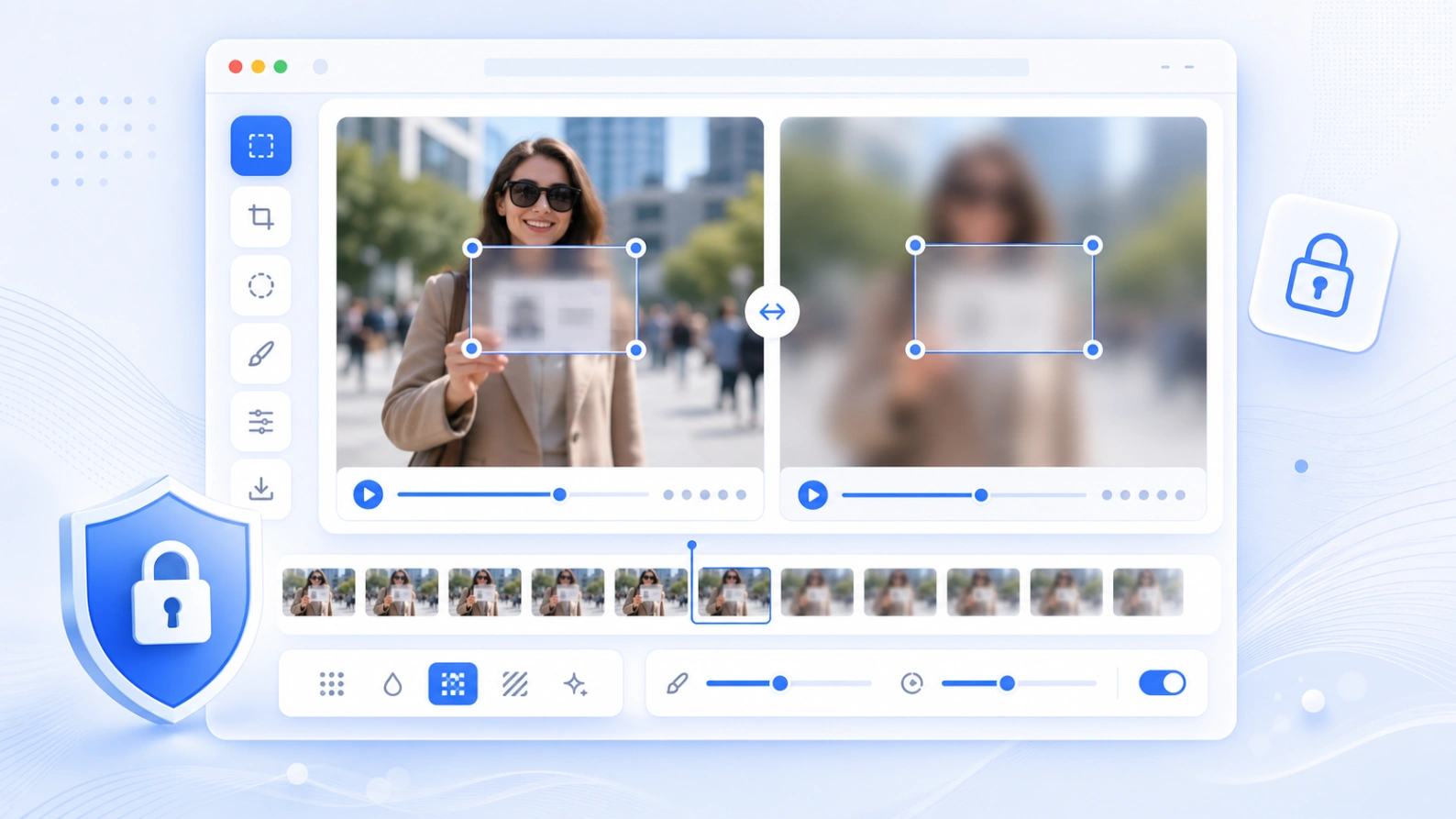
छोटे GIF में faces, text, signs, usernames और private details छिपाने के लिए उपयोगी।
कैसे काम करता है
GIF अपलोड करें, क्षेत्र चुनें, प्रभाव चुनें, एनीमेशन देखें और नया फ़ाइल export करें।
अपने डिवाइस से animated GIF लोड करें। frames browser में local रूप से decode होते हैं।
चेहरा, text, sign, username, license plate या किसी detail पर editable box खींचें।
जरूरत के अनुसार Gaussian blur, pixelation या mask चुनें।
Original और result को देखें, फिर processed animation डाउनलोड करें।
सामान्य उपयोग
Short GIF, screen recording, chat capture, product demo या social clip पोस्ट करने से पहले private details छिपाने के लिए उपयोगी।
Online share करने से पहले short animation में लोगों को छिपाएं।
नाम, email, messages, usernames, order IDs या private captions छिपाएं।
जब जानकारी छिपी हुई दिखानी हो, तब pixelation का उपयोग करें।
Short GIF के सभी frames पर एक fixed area effect लागू करें।
Privacy और limits
Preview और export browser में होता है। बड़े GIF अधिक memory लेते हैं, इसलिए mobile पर छोटे clips बेहतर हैं।
Tool frames decode करके blurred GIF आपके device पर बनाता है।
बहुत बड़े या high-frame GIF को पहले छोटा करें ताकि preview और export तेज हो।
Selected area पूरी animation पर लागू होता है। ज्यादा moving object के लिए video blur keyframes इस्तेमाल करें।
FAQ
GIF support, privacy, quality, preview और export से जुड़े जवाब।
हां। GIF upload करें, area चुनें, effect लगाएं, frames देखें और नया GIF export करें।
हां। Tool GIF frames पढ़कर animated GIF export करता है।
Gaussian blur, pixelation और mask उपलब्ध हैं।
Preview और export browser में चलता है। Processing के दौरान page खुला रखें।
हर frame को redraw, blur, color quantize और फिर encode करना पड़ता है।
यह version fixed area लागू करता है। Face ज्यादा move करे तो area बड़ा करें या video tool इस्तेमाल करें।
Related tools
Still images में faces, text, screenshots और private details blur करें।
Tool खोलें →Short videos में timed blur areas और keyframes जोड़ें।
Tool खोलें →Faces, plates, screenshots और documents को साफ तौर पर hide करें।
Tool खोलें →Editing के बाद file size घटाकर faster sharing करें।
Tool खोलें →