Redimensionamento em lote
Carregue até 20 imagens e aplique a mesma largura ou altura a todo o grupo num único passo.
Redimensionamento de imagens em lote
Redimensione imagens online com pré-visualização em tempo real, edição gratuita de uma fotografia, recorte opcional, processamento em lote e exportação JPG, PNG ou WebP no navegador.
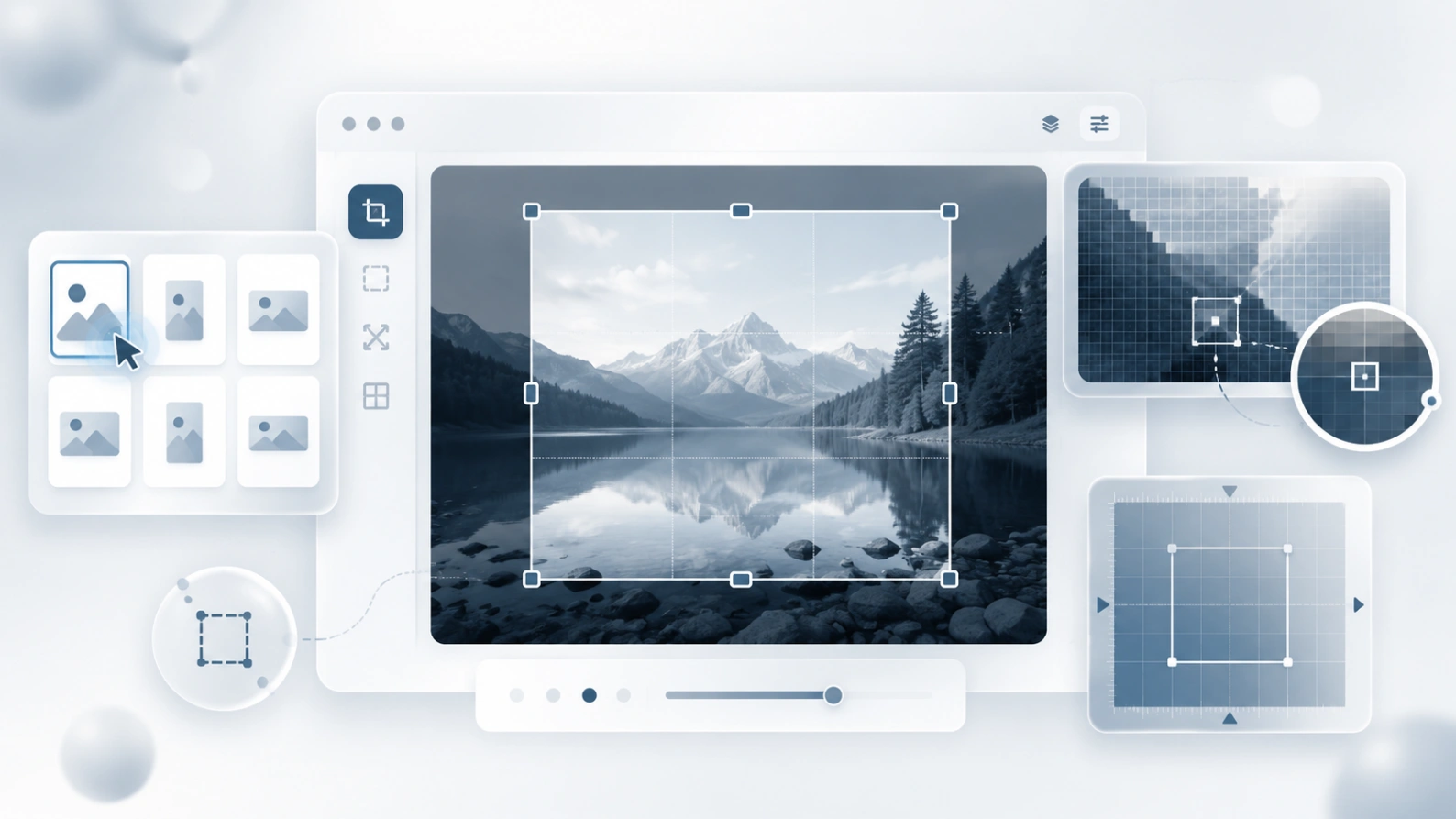
Redimensione JPG, PNG, WebP e outros formatos comuns diretamente no navegador.
Porquê usar este redimensionador
Redimensione imagens para partilha, lojas, blogues, formulários e capturas. Defina píxeis exatos, recorte quando necessário e confirme o resultado antes de descarregar.
Carregue até 20 imagens e aplique a mesma largura ou altura a todo o grupo num único passo.
Abra qualquer imagem do lote e ajuste separadamente a largura, altura, formato e qualidade.
As imagens são redimensionadas localmente no navegador, pelo que o uso normal não exige o envio de ficheiros para o nosso servidor.
Exporte como JPEG, PNG ou WebP consoante precise de ficheiros pequenos, transparência ou publicação web moderna.
Tarefas comuns de redimensionamento
Prepare imagens para perfis, formulários, mercados, artigos, e-mails ou documentos de suporte sem perder privacidade nem controlo.
Reduza uma fotografia, recorte espaço excedente ou adapte-a a um perfil quadrado antes de publicar.
Prepare tamanhos consistentes para anúncios de produtos, catálogos e páginas de lojas.
Adapte capturas ou documentos aos limites de carregamento mantendo os detalhes legíveis.
Selecione primeiro a parte importante e exporte-a com a largura e altura exatas de que precisa.
Um processo rápido para dimensões exatas
Selecione um ficheiro ou carregue um lote de imagens a partir do dispositivo.
Escolha a largura e a altura, mantenha a proporção se necessário e ajuste individualmente as exceções do lote.
Gere as imagens redimensionadas no navegador e descarregue um ficheiro ou o lote completo.
Guia de tamanhos de imagem
Não existe um único tamanho ideal. Comece pelo local onde a imagem será usada e redimensione apenas o necessário para manter nitidez e leveza.
Ferramentas relacionadas
Reduza o tamanho do arquivo de imagem de forma eficiente sem perder qualidade.
Desfoque partes da sua imagem ou o fundo facilmente.
Envie uma foto borrada, uma captura pouco nítida ou uma imagem comprimida e melhore a clareza no navegador. A ferramenta de IA foca em resultados realistas: bordas mais limpas, detalhes mais legíveis e limites honestos.
Blur Image Online est? sendo criado em torno de uma ideia simples: antes de uma imagem sair do seu dispositivo, voc? deve conseguir ocultar detalhes privados, preparar o arquivo e compartilhar com mais confian?a.
Crie uma imagem invertida e redimensione-a para as dimensões exatas exigidas por um site ou formulário.