يعمل بشكل أفضل ل
- تركيز ضعيف أو صور ضبابية قليلاً
- ضبابية صغيرة في الحركة من اللقطات المحمولة باليد
- لقطات الشاشة أو صور الويب التي تحتاج إلى حواف أكثر وضوحًا
أداة وضوح الصورة بالذكاء الاصطناعي
ارفع صورة ضبابية أو لقطة شاشة غير واضحة أو صورة مضغوطة، وحسّن وضوحها مباشرة في المتصفح. أداة AI هذه مصممة لنتائج واقعية: حواف أنظف، تفاصيل أسهل قراءة، وحدود واضحة لما يمكن استعادته.
أو انقر للتصفح من جهازك
نتائج واقعية
يعد Unblur Image Online هو الأفضل لتحسين التمويه الخفيف والتركيز الناعم والصور منخفضة الوضوح. يمكن أن يجعل رؤية التفاصيل أسهل، لكن لا يمكنه إعادة إنشاء المعلومات التي لم يتم التقاطها مطلقًا في الملف الأصلي.
أفضل حالات الاستخدام
استخدم الأداة عندما تكون الصورة شبه جاهزة لكنها تحتاج حوافا أنظف أو نصا أسهل قراءة قبل النشر أو المشاركة أو المتابعة في التعديل.
قم بتحسين صور السوق الناعمة قليلاً قبل نشرها أو إرسالها إلى العميل.
قم بزيادة حدة لقطات الشاشة أو الملاحظات أو لقطات واجهة المستخدم أو الصور المرجعية غير الواضحة بحيث تكون حواف النص أسهل في القراءة.
قم بتنظيف الصور غير الرسمية التي تبدو ناعمة بعد التحميل أو المراسلة أو الضغط.
اجعل لقطات شاشة الدعم ولقطات موقع الويب والمراجع المرئية أكثر وضوحًا قبل استخدامها في سير العمل.
بنيت مثل أداة مركزة
A good unblur image tool should not feel like a noisy demo. It should explain what it can improve, keep the result believable, and make it easy to decide whether the enhanced image is actually useful.
يعمل نموذج Real-ESRGAN في متصفحك بعد النقرة الأولى. يتم تحميله فقط عند الحاجة إليه ويمكن تخزينه مؤقتًا، لذلك يظل الموقع الرئيسي خفيف الوزن.
The enhancement focuses on edges, texture, and readable detail. It is best for a natural clarity boost rather than an overprocessed, crunchy look.
قد لا يزال من المستحيل استرداد ضبابية الحركة الشديدة وتفاصيل الوجه المفقودة والملفات المضغوطة الصغيرة. الصفحة تخبرك بذلك قبل أن تضيع الوقت.
بعد زيادة الوضوح، يمكنك طمس التفاصيل الخاصة، أو ضغط الصورة النهائية، أو استخدامها كلقطة شاشة أكثر وضوحًا، أو صورة قائمة، أو مرفق دعم، أو رسم ويب.
نتائج أفضل
AI sharpening works best when the original image still contains useful detail. These small choices help the unblur image tool produce a clearer result without making the photo look harsh or fake.
استخدم الصورة الأصلية أو لقطة الشاشة عندما يكون ذلك ممكنًا. قد يكون الملف الذي تم تنزيله من تطبيق الدردشة أو المنسوخ من معاينة أخرى قد فقد بالفعل التفاصيل الدقيقة التي يحتاجها مُحسِّن الصورة.
تعد الأداة مفيدة للغاية للتركيز الناعم واهتزاز الكاميرا الخفيف وصور الويب المضغوطة ولقطات الشاشة الباهتة. قد يتحسن ضبابية الحركة الشديدة أو النص المفقود قليلاً فقط.
بعد المعالجة، تحقق من الوجوه وتسميات المنتجات ونص واجهة المستخدم والحواف بحجم عرض عادي. أفضل نتيجة تكون أكثر وضوحًا وطبيعية، وليست أكثر حدة.
إذا كانت الصورة المحسنة ستتم مشاركتها بشكل عام، فقم بطمس المعلومات الخاصة أولاً. إذا كان سيتم تحميلها على موقع ويب، فاضغط الصورة بعد زيادة الوضوح للحفاظ على سرعة الصفحة.
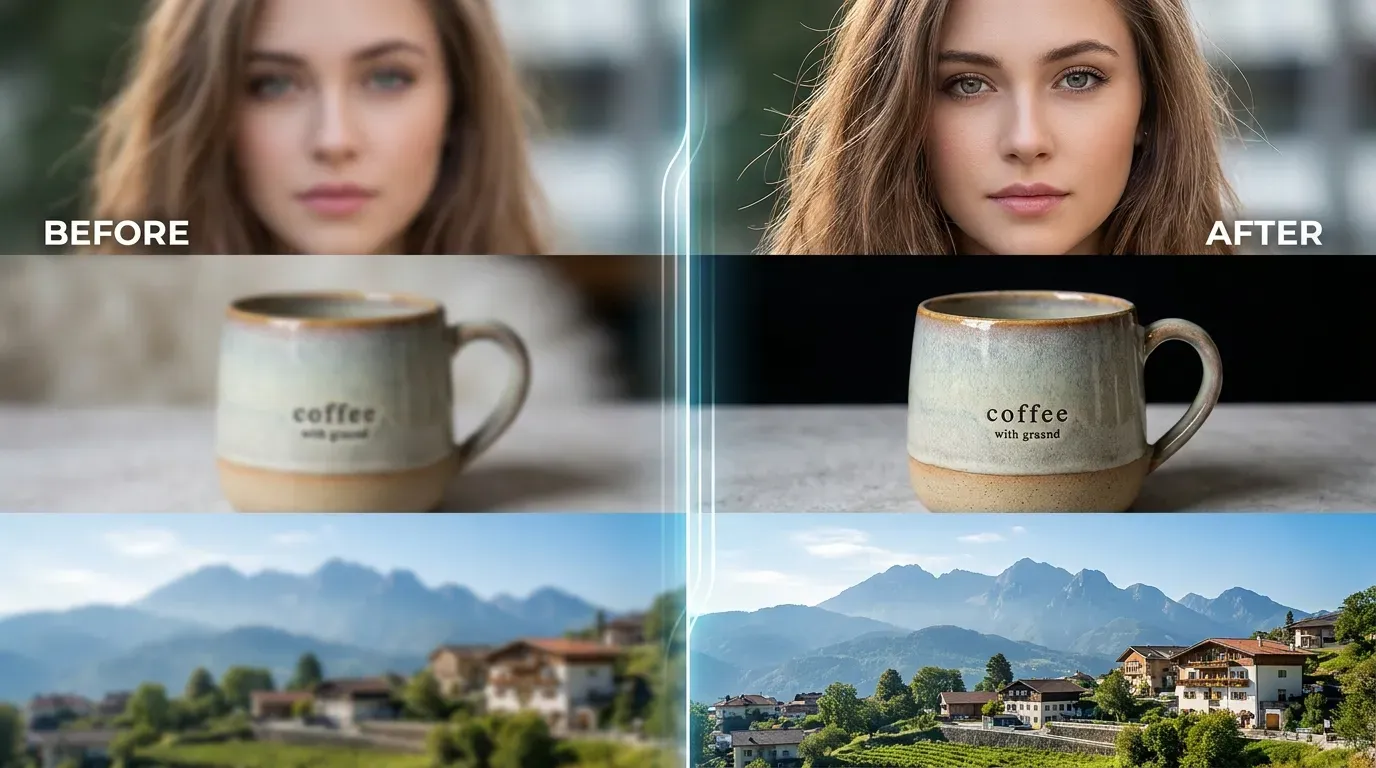
هذه الأداة مناسبة للصور ولقطات الشاشة وصور الويب ذات الضبابية الخفيفة. عاين النتيجة قبل التنزيل.
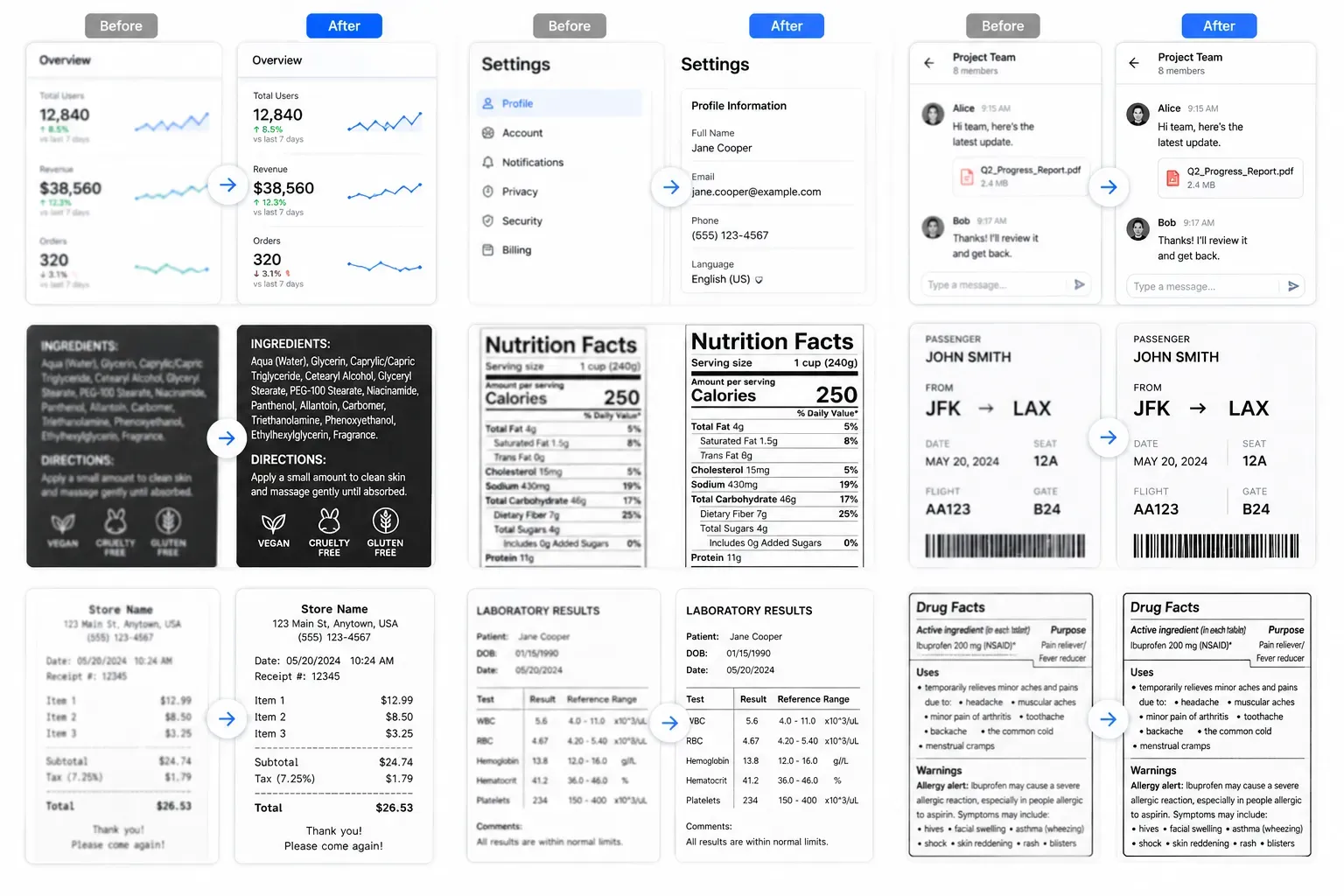
هذه الأداة مناسبة للصور ولقطات الشاشة وصور الويب ذات الضبابية الخفيفة. عاين النتيجة قبل التنزيل.
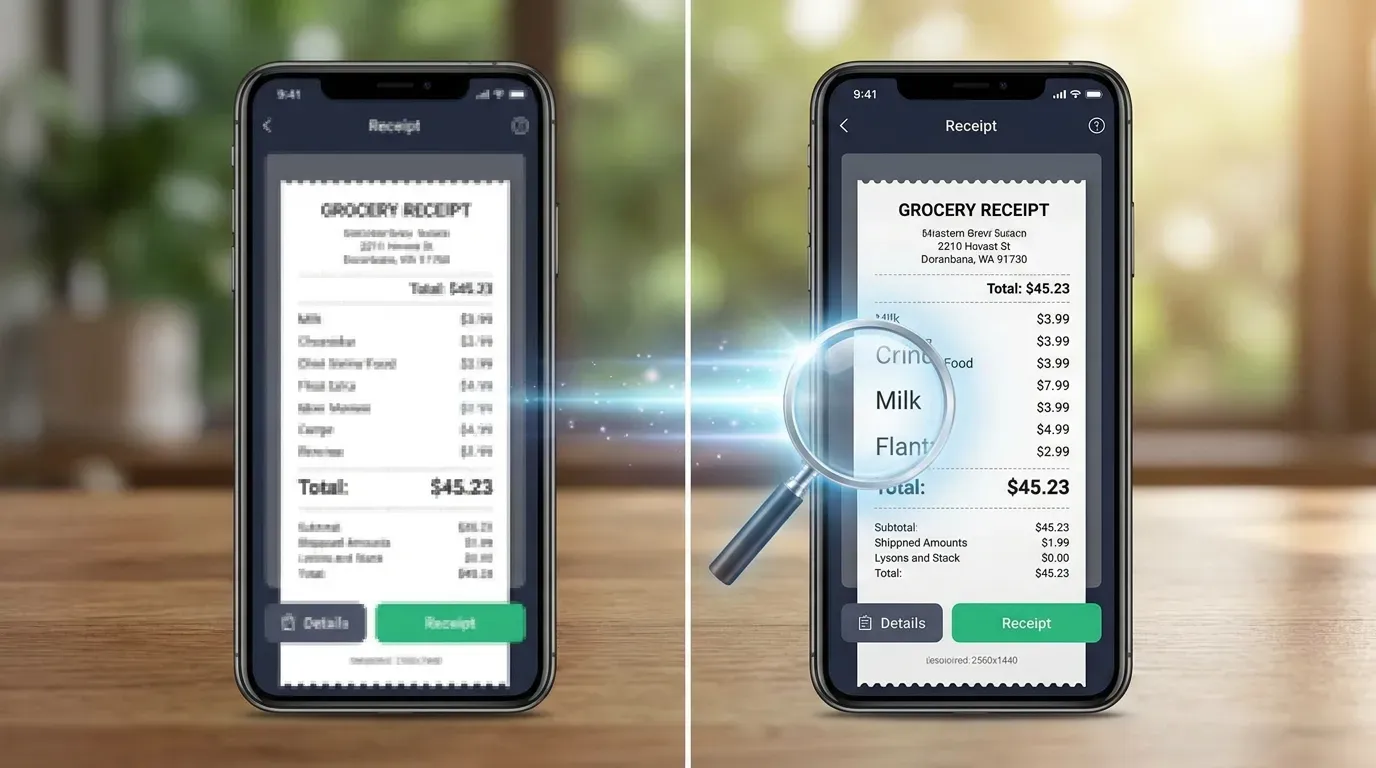
هذه الأداة مناسبة للصور ولقطات الشاشة وصور الويب ذات الضبابية الخفيفة. عاين النتيجة قبل التنزيل.
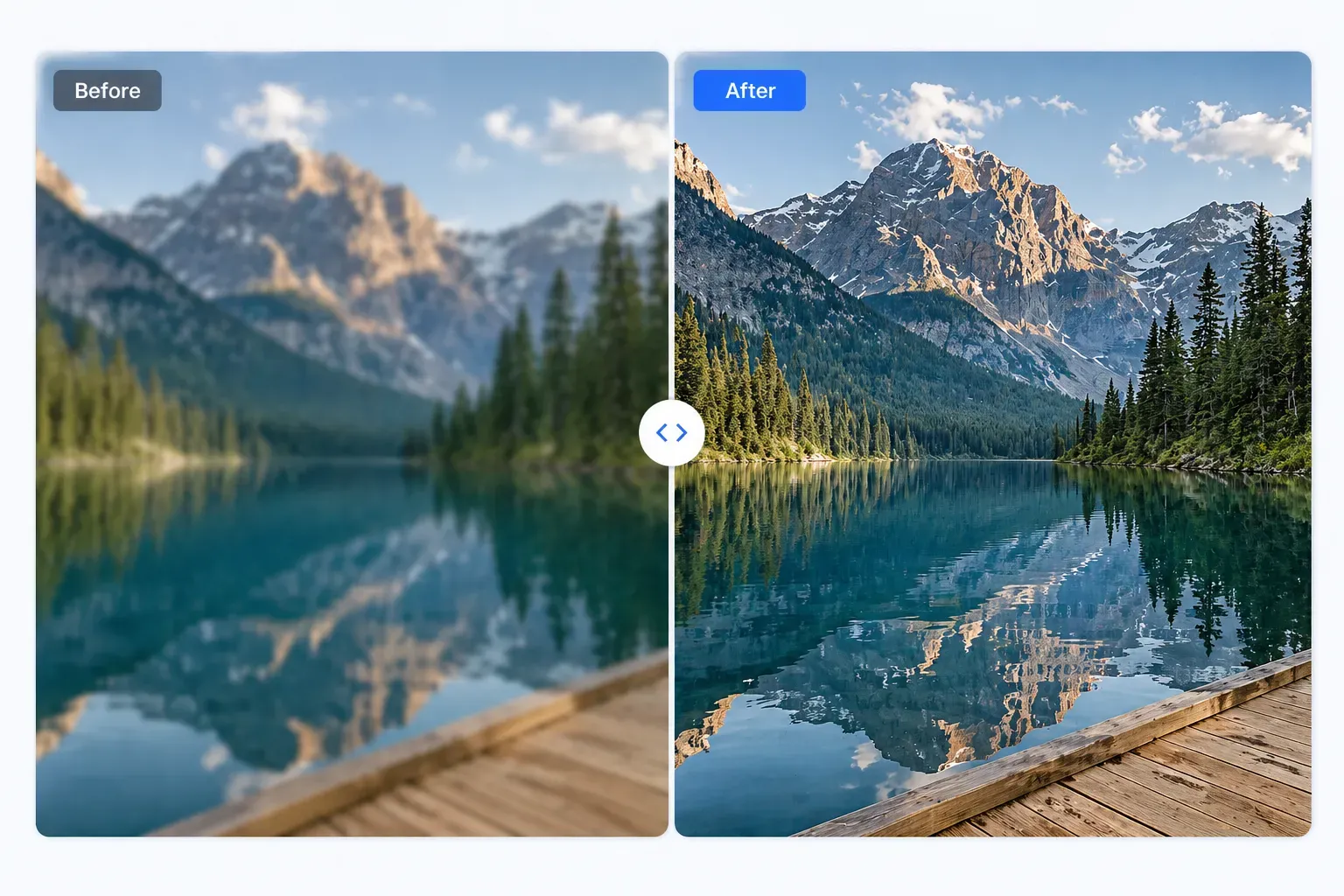
هذه الأداة مناسبة للصور ولقطات الشاشة وصور الويب ذات الضبابية الخفيفة. عاين النتيجة قبل التنزيل.
ثلاث خطوات بسيطة لتحسين الصورة.
اختر صيغة صورة شائعة.
تُرسل الصورة بأمان إلى خدمة المعالجة لدينا.
قارن النتيجة ثم نزّلها.
هذه الأداة مناسبة للصور ولقطات الشاشة وصور الويب ذات الضبابية الخفيفة. عاين النتيجة قبل التنزيل.
يحسّن الوضوح قدر الإمكان.
يعمل مباشرة في المتصفح.
يعرض قبل وبعد بسرعة.
بدون تسجيل أو اشتراك أو علامة مائية.
تابع التحرير
إخفاء التفاصيل الخاصة بعد تحسين الوضوح، خاصة في لقطات الشاشة أو الصور العامة.
قم بضغط الصورة النهائية بحيث يتم تحميلها بشكل أسرع على مواقع الويب ويتم تحميلها بسهولة أكبر.
بعد تحسين صورة ضبابية قليلًا، اعكس ألوانها لتجربة معالجة بصرية مختلفة.
أضف نسيجًا حبيبيًا رقيقًا عندما تريد لمسة نهائية أكثر أناقة.
Realistic feedback from people improving slightly blurry images.
"I used the AI unblur tool on a few slightly soft archive photos. It worked best on mild blur, and the before-and-after preview made the result easy to judge."
Tom Richards