GIF hochladen
Importieren Sie ein animiertes GIF vom Gerät. Die Frames werden lokal im Browser dekodiert.
Datenschutz-Tool für animierte GIFs
Animiertes GIF hochladen, Bereich auswählen, Effekt wählen und ein geblurtes GIF herunterladen.
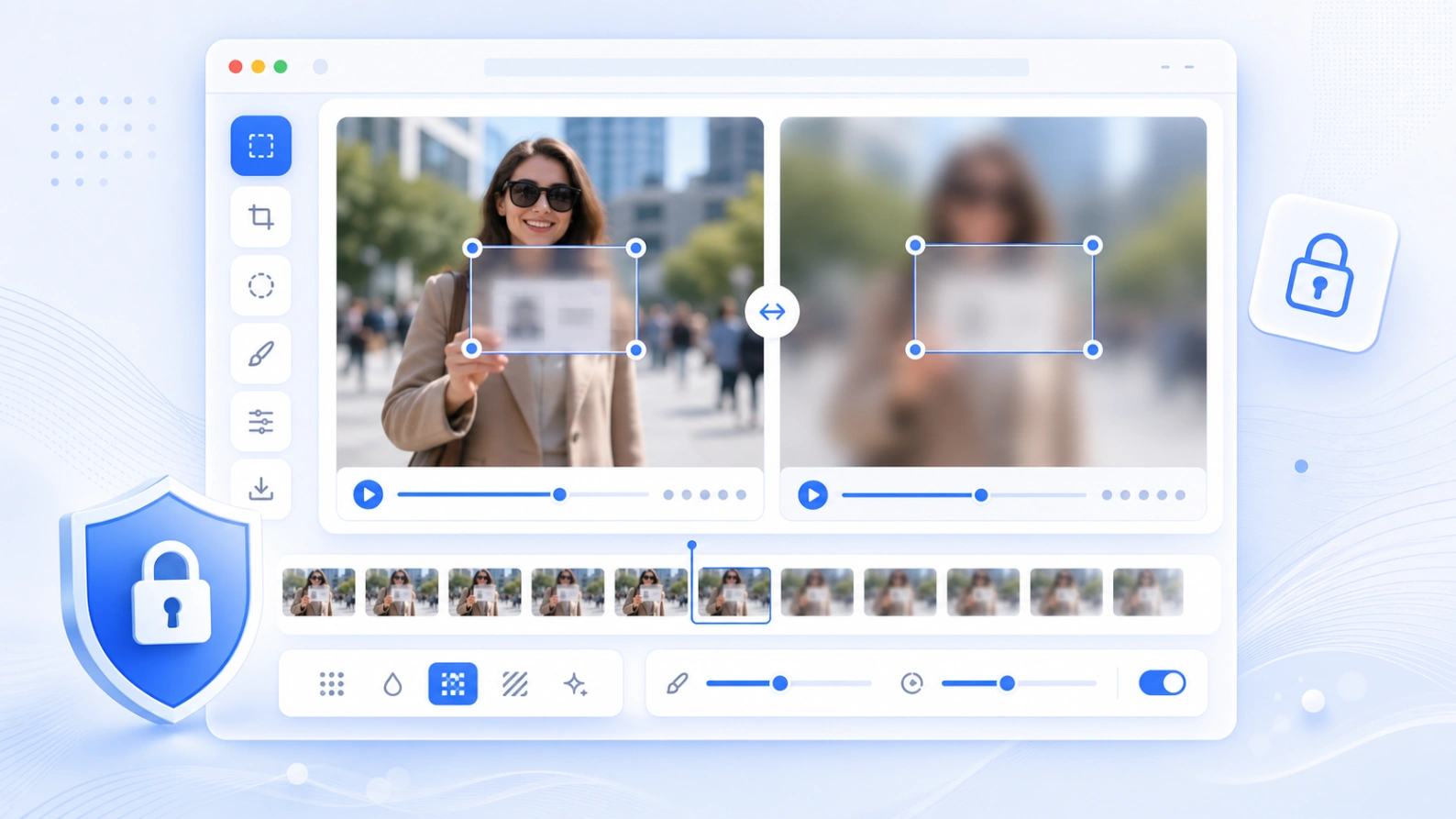
Zum schnellen Verbergen von Gesichtern, Text, Schildern, Nutzernamen und privaten Details in kurzen GIFs.
So funktioniert es
GIF hochladen, Bereich markieren, Effekt wählen, Animation prüfen und die neue Datei exportieren.
Importieren Sie ein animiertes GIF vom Gerät. Die Frames werden lokal im Browser dekodiert.
Ziehen Sie den Rahmen über Gesicht, Text, Schild, Nutzername, Kennzeichen oder ein Detail.
Nutzen Sie Gaußschen Blur, Pixelung oder eine Maske je nach gewünschter Abdeckung.
Vergleichen Sie Original und Ergebnis und laden Sie die verarbeitete Animation herunter.
Typische Anwendungen
Nützlich vor dem Teilen kurzer GIFs, Bildschirmaufnahmen, Chat-Captures, Produktdemos oder Social-Clips.
Verbergen Sie Personen in kurzen Animationen vor dem öffentlichen Teilen.
Decken Sie Namen, E-Mails, Nachrichten, Nutzernamen, Bestellnummern oder Untertitel ab.
Machen Sie sichtbar, dass Informationen bewusst unkenntlich gemacht wurden.
Wenden Sie einen konstanten Bereich auf alle Frames kurzer Animationen an.
Privatsphäre und Limits
Vorschau und Export laufen im Browser. Große GIFs benötigen viel Speicher, daher funktionieren kurze Clips auf Mobilgeräten besser.
Das Tool dekodiert Frames und erstellt das geblurte GIF auf Ihrem Gerät.
Bei großen GIFs oder vielen Frames zuerst die Größe reduzieren.
Der ausgewählte Bereich gilt für die gesamte Animation. Für stark bewegte Objekte nutzen Sie Video-Blur mit Keyframes.
FAQ
Antworten zu GIF-Support, Datenschutz, Qualität, Vorschau und Export.
Ja. GIF hochladen, Bereich markieren, Effekt wählen, Frames prüfen und ein neues GIF exportieren.
Ja. Das Tool liest die GIF-Frames und exportiert wieder ein animiertes GIF.
Gaußscher Blur, Pixelung und Maske stehen zur Auswahl.
Vorschau und Export laufen im Browser. Lassen Sie die Seite während der Verarbeitung geöffnet.
Jeder Frame muss neu gezeichnet, geblurt, farbreduziert und neu kodiert werden.
Diese Version nutzt einen festen Bereich. Bei starker Bewegung vergrößern Sie den Bereich oder nutzen Sie Video-Blur.
Related tools
Blurren Sie Gesichter, Text, Screenshots und private Details in Standbildern.
Tool öffnen →Fügen Sie zeitgesteuerte Blur-Bereiche und Keyframes zu kurzen Videos hinzu.
Tool öffnen →Machen Sie Redaktionen für Gesichter, Kennzeichen, Screenshots und Dokumente sichtbar.
Tool öffnen →Reduzieren Sie die Dateigröße nach der Bearbeitung für schnelleres Teilen.
Tool öffnen →