Fix Blurry Photo Online: What Works and What Does Not
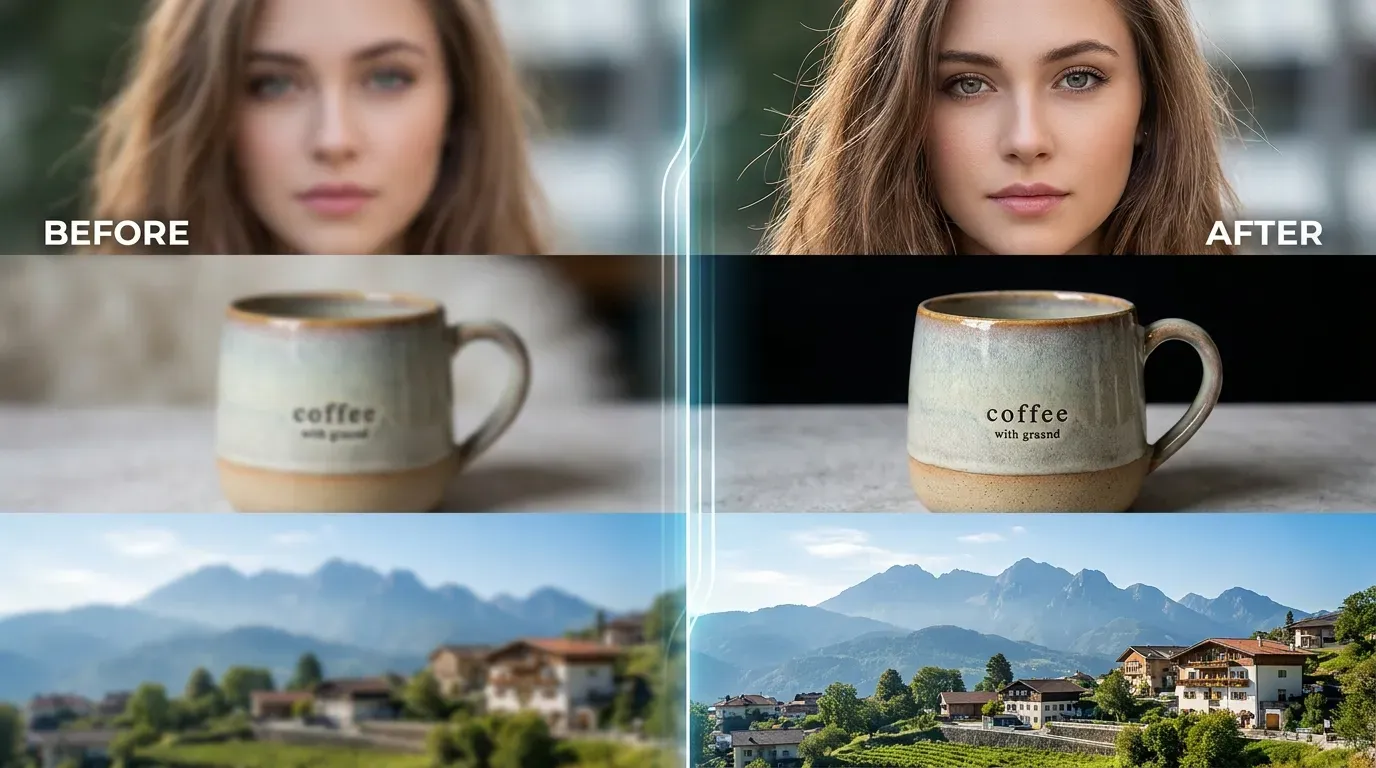
Fix Blurry Photo Online: What Works and What Does Not
Not every blurry photo deserves to be deleted. Some are only slightly soft. Some have mild camera shake. Some old photos still have enough detail to become cleaner with a careful AI enhancement pass.
But some blurry photos cannot be fully fixed. Knowing the difference saves time and gives you better results.
Quick Answer
Use Fix Blurry Photo Online when a photo is mildly blurry and the subject is still visible. AI can improve clarity, but it cannot perfectly restore detail that was never captured.
Photos That Usually Improve
AI enhancement is worth trying when:
- The subject is visible
- Edges are soft but not gone
- The photo is slightly out of focus
- The image has mild camera shake
- Product labels are present but weak
- A portrait looks close to usable
- An old photo has visible detail
These photos often need a small push, not a miracle.
Photos That Usually Do Not Fix Well
Some files are too damaged or too small.
Difficult cases include:
- Heavy motion blur
- Completely missed focus
- Tiny thumbnails
- Very noisy night shots
- Faces with no visible detail
- Text that is already unreadable
- Images compressed many times
The tool may still create a sharper-looking image, but the result may not be accurate or natural.
How to Fix a Blurry Photo Online
- Open Fix Blurry Photo Online.
- Upload the largest version of the photo.
- Run the AI enhancement.
- Compare the original and improved result.
- Check the important subject area.
- Download the fixed copy if it looks natural.
If the result looks fake, use the original or try a better source file.
Portraits Need Extra Care
Faces are sensitive. Too much enhancement can make skin look plastic, add strange lines around eyes, or create unrealistic hair texture.
For portraits, judge the result at normal viewing size. If it only looks good when zoomed out but strange up close, be careful using it professionally.
Product Photos Need Honest Detail
For marketplace or store images, clarity helps trust. But the photo should still represent the product honestly.
Check:
- Labels
- Texture
- Scratches
- Edges
- Color
- Packaging text
If enhancement changes the appearance too much, use a gentler result.
FAQ
Can I fix a blurry photo online for free?
Yes. Use Fix Blurry Photo Online to test AI enhancement on your photo.
Why did my photo not improve much?
The source may be too blurry, too small, too noisy, or missing the detail needed for a clean result.
Should I crop before fixing blur?
Usually no. Fix blur first, then crop after you choose the best result.
Final Thoughts
Fixing a blurry photo is about improving what is already there. Start with the best file, use one careful enhancement pass, and keep the result only if it still looks real.
Try Fix Blurry Photo Online when the photo is close to useful and needs a cleaner version.