AI Photo Enhancer Online: Improve Clarity Without Over-Editing
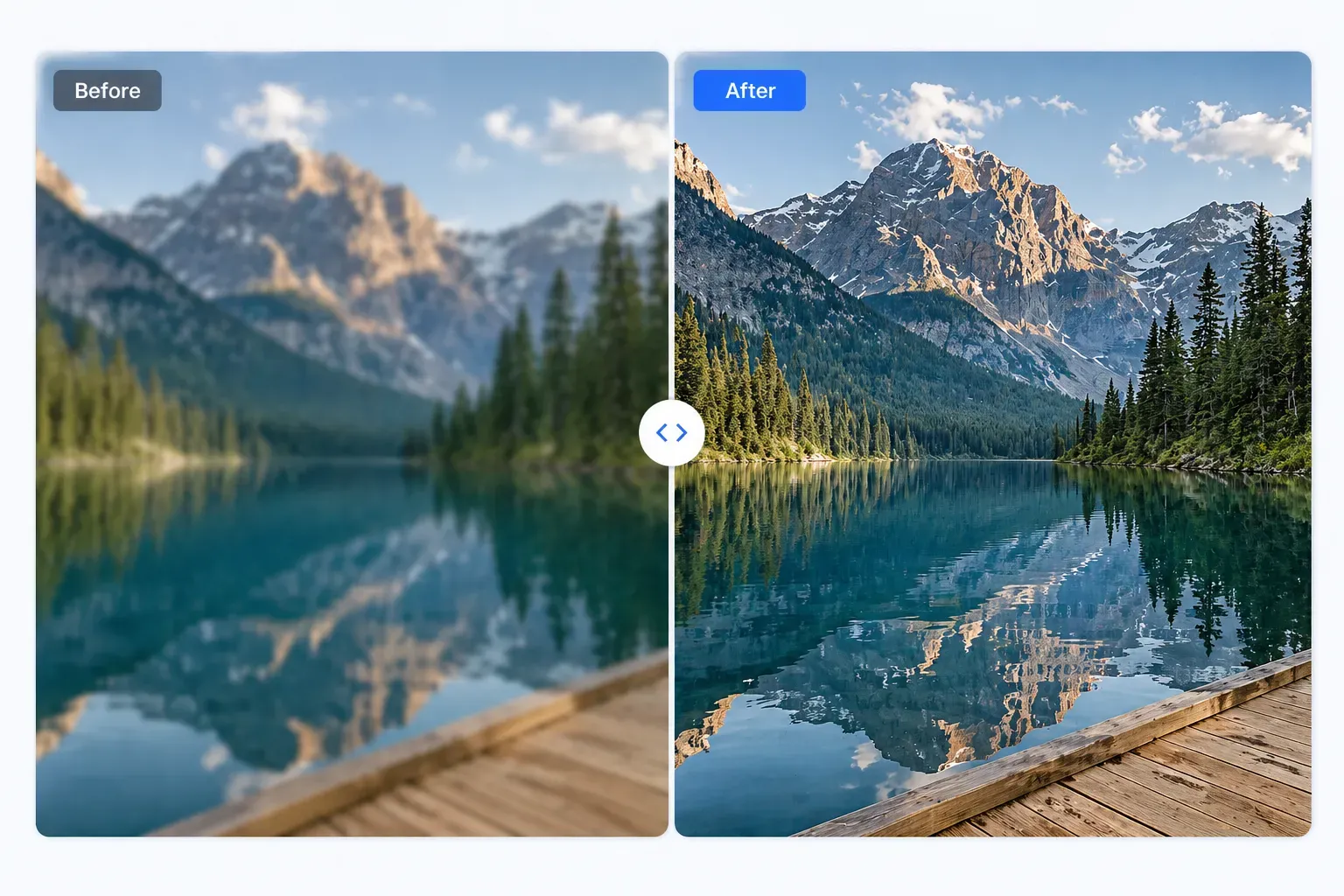
AI Photo Enhancer Online: Improve Clarity Without Over-Editing
An AI photo enhancer sounds broad, but most everyday users want one specific thing: a clearer image.
Maybe the product photo looks soft. Maybe a screenshot is fuzzy. Maybe a blog image feels dull after compression. Maybe an old photo needs a small improvement before sharing.
This guide focuses on clarity, not heavy retouching.
Quick Answer
Use AI Photo Enhancer Online when an image needs better clarity, cleaner edges, or more readable detail without opening a complex editor.
It works best when the original file still has visible detail.
What a Clarity Enhancer Can Do
An AI clarity enhancer can help with:
- Soft focus
- Weak edges
- Mild blur
- Fuzzy screenshots
- Product detail
- Web image clarity
- Old digital photos
- Slight compression softness
It is not the same as a full photo editor. It will not replace lighting, composition, color grading, object removal, or professional retouching.
Best Use Cases
Product Images
Clear product images build trust. Use enhancement when labels, edges, texture, or packaging look slightly soft.
Blog and Website Images
Images that look soft on a page can make the whole site feel less polished. Enhance first, then compress for faster loading.
Screenshots
UI screenshots should be readable. Enhancement can help if text is slightly fuzzy after resizing.
Personal Photos
For casual photos, a small clarity boost can make the image more pleasant to share without changing the moment.
How to Use an AI Photo Enhancer
- Open AI Photo Enhancer Online.
- Upload the image.
- Run the AI clarity enhancement.
- Compare the result with the original.
- Check important details.
- Download the enhanced copy.
If you are preparing a website image, use Compress Image Online afterward to keep the page fast.
Avoid Over-Editing
A common mistake is choosing the sharpest-looking result instead of the most natural one.
Watch for:
- Fake texture
- Strange skin
- Overly crisp edges
- Noisy shadows
- Distorted text
- Halos around objects
If the enhanced image looks less believable than the original, do not use it.
FAQ
What is an AI photo enhancer?
It is a tool that uses AI to improve image clarity, sharpness, and visible detail when the source file has enough information.
Can it improve product photos?
Yes, especially when the product is slightly soft but still detailed. Check labels and texture before publishing.
Is it better than Photoshop?
It is faster for simple clarity fixes. Photoshop or another full editor is better for advanced retouching and design work.
Final Thoughts
The best AI enhancement is the one people do not notice. They simply see a cleaner, more usable image.
Use AI Photo Enhancer Online for practical clarity improvements, then stop before the image starts looking artificial.