Built for clarity, not heavy retouching
Use it when you need sharper detail, cleaner edges, or a more readable image. For color grading, object removal, or design templates, a full photo editor is a better fit.
AI image clarity tool
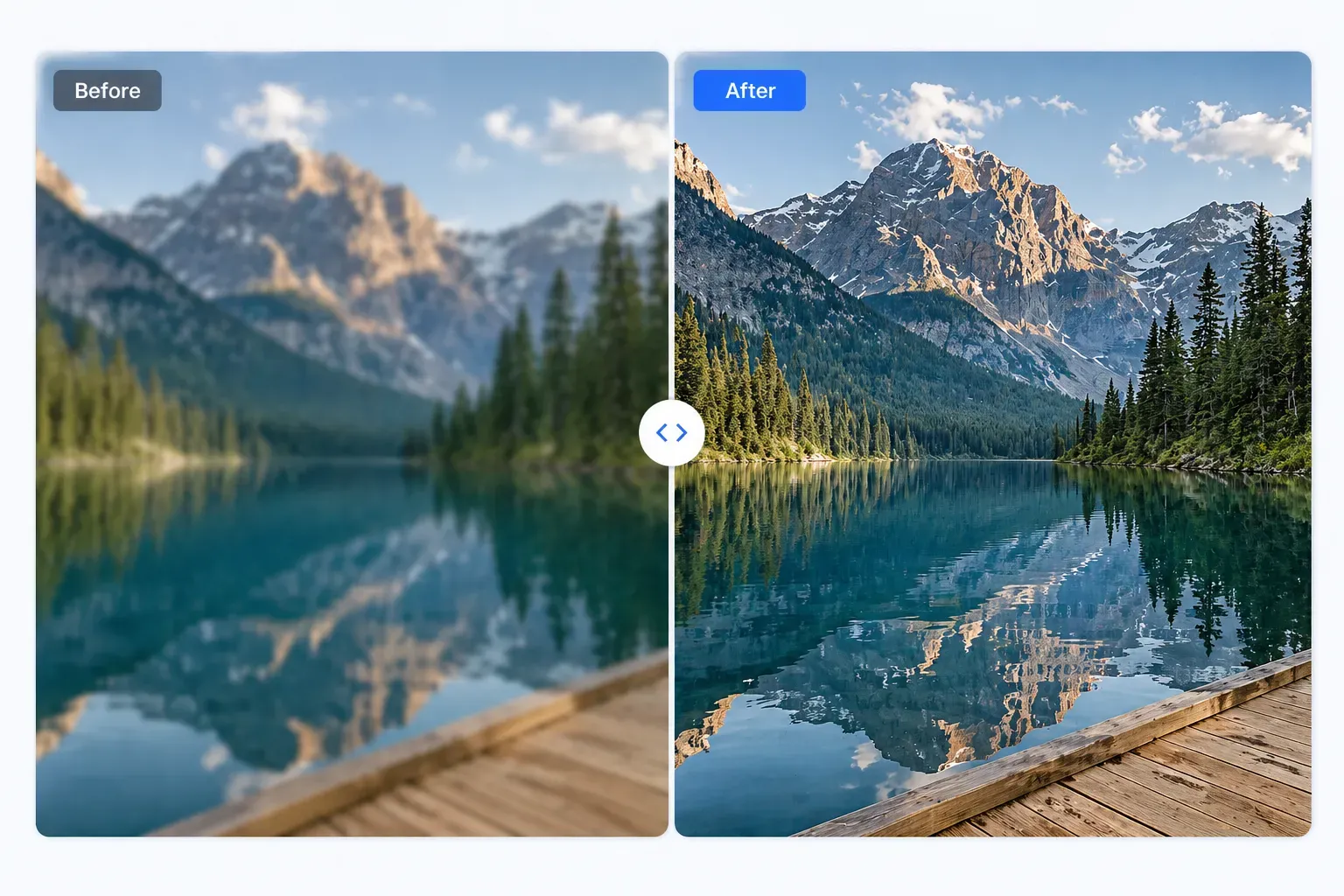
An AI photo enhancer is useful when an image needs a cleaner, sharper, more usable version without opening a complex editor. This page focuses on clarity: improving soft photos, weak details, screenshots, and everyday images while keeping the final result realistic.
or click to browse from your device
Use it when you need sharper detail, cleaner edges, or a more readable image. For color grading, object removal, or design templates, a full photo editor is a better fit.
Sharper product photos, clearer blog images, readable screenshots, and cleaner thumbnails can make a page or listing feel more trustworthy.
AI enhancement should make the image easier to use, not obviously artificial. If textures look strange or faces look unnatural, keep the original or try a better source file.
Practical expectations
A website image looks soft on a product or article page.
A small business needs clearer listing photos.
A screenshot or web graphic needs a cleaner export.
How it works
Upload the best version of your image, run the AI enhancer, compare the result, and download the clearer copy when it looks natural.
Upload the image you want to enhance.
Run the AI clarity tool.
Review the important subject areas.
Download the enhanced image and compress or resize it if needed.
It improves perceived clarity by enhancing edges, contrast, and detail when the source image has enough information.
No. This page focuses on clarity enhancement. A full editor is better for design, retouching, color grading, and layered work.
Yes, especially when labels, texture, and edges are slightly soft. Always compare the result before publishing.
Use the unblur tool on this page, check the result carefully, and download the version that looks clean enough for your next use.
Enhance photo clarity