
Smart Compression Technology
Our advanced algorithms analyze your image to identify the best compression ratio. Reduce file size by up to 80% while maintaining the visual quality you need for professional results.
Compress images online by uploading files in bulk or pasting a direct image URL. Reduce JPG, PNG, and WebP file sizes with secure client-side processing.
Supports JPG, PNG, WebP
Select one image or compress up to 20 images at once.
Use a direct JPG, PNG, WebP, AVIF, or GIF URL. Some sites block browser access; if loading fails, upload the file instead.
Three simple steps to optimize your images
Select an image file, drag and drop it, or paste a direct image URL to load it into the compressor.
Choose your desired file size and dimensions.
Instantly download your optimized image.
Our advanced algorithms analyze your image to identify the best compression ratio. Reduce file size by up to 80% while maintaining the visual quality you need for professional results.
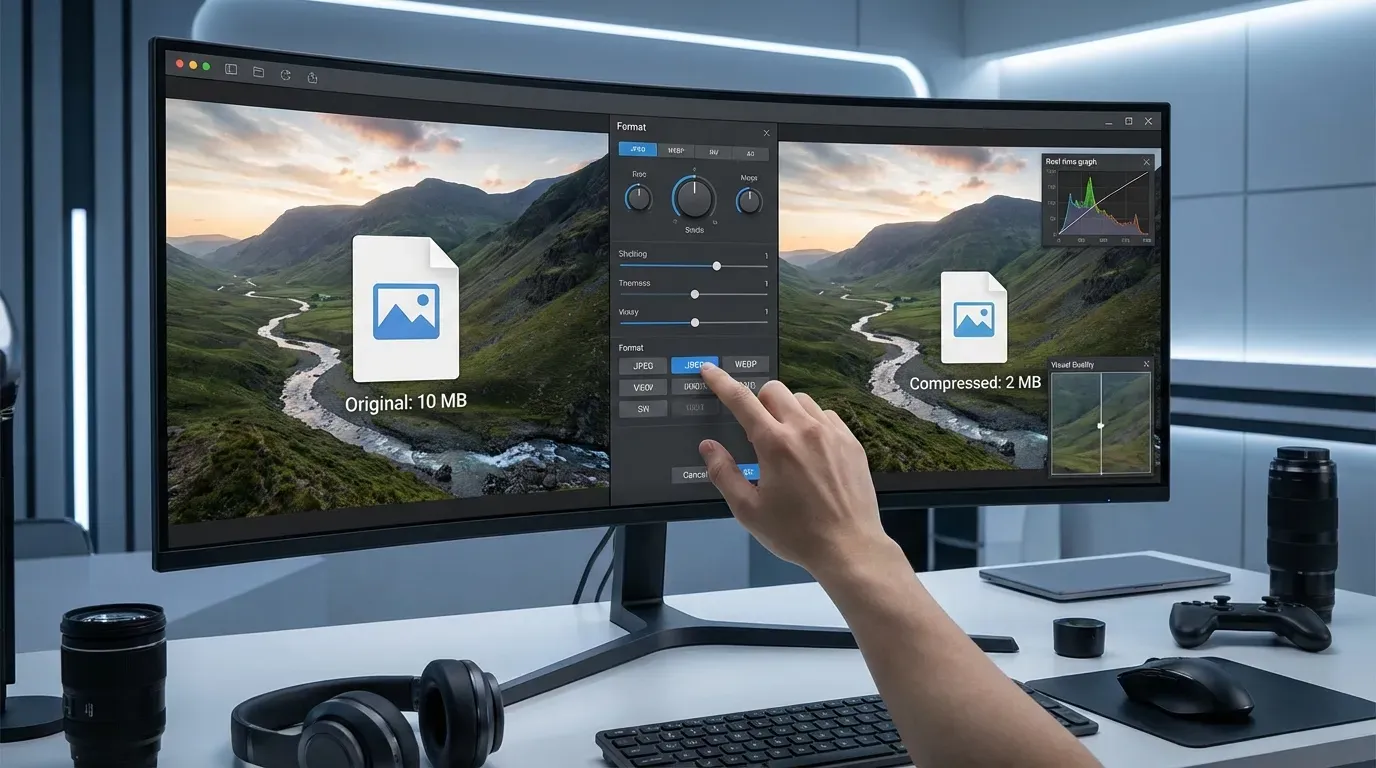
Your privacy is our priority. Unlike other tools, we process your images directly in your browser. No files are ever uploaded to our servers, ensuring your data remains completely private.

Don't guess the results. See the compressed image and file size in real-time. Adjust quality settings and format to find the perfect balance for your needs.

Convert your images to efficient WebP format automatically, or choose to keep them as JPEG or PNG. We support all major formats to ensure compatibility across all platforms.
Optimized images are key to a better web experience
Large images slow down your site. Compression significantly improves load times, boosting SEO and keeping visitors engaged.
Reduce storage costs and free up space on your devices by shrinking image file sizes without sacrificing quality.
Users expect fast, responsive sites. Compressed images ensure smooth scrolling and quick display on all devices, especially mobile.
Send photos via email or messaging apps faster. Smaller files upload quickly and won't hit attachment size limits.
Related workflows
Resize images after compression when you need exact width and height for websites, forms, or social posts.
Blur faces, text, screenshots, or private details before compressing a version for upload.
Extract a video frame first, then compress the saved image before sharing or publishing it.
Invert colors first, then compress the PNG when you need a smaller file for upload.
See what our users are saying about BlurImageOnline's Compressor
"I compressed a set of product images before uploading them to my store. The side-by-side file size readout helped me pick a smaller file without making the product look soft."
Lena Fischer