Extract the exact current frame
Enter a timestamp, fine-tune with ±0.01s and ±0.1s controls, and capture the precise expression, action, transition, or detail you need.
Free Online Video to Frames Tool
Extract frames from video as high-quality PNG images directly in your browser. Choose an exact timestamp, extract every 0.1s or 0.25s, export evenly sampled frames, generate thumbnail candidates, and download everything as a ZIP file.
Convert videos into high-quality PNG frames directly in your browser. Choose an exact timestamp, extract every 0.1s or 0.25s, export evenly sampled frames, generate thumbnail candidates, and download everything as a ZIP file.
Precise video screenshot workflow
Screen captures can miss the perfect moment and often include player controls, scaling artifacts, or blurry paused frames. Blur Image Online extracts the actual video frame in your browser and saves it as a clean PNG at the source resolution.
Enter a timestamp, fine-tune with ±0.01s and ±0.1s controls, and capture the precise expression, action, transition, or detail you need.
Extract frames every 0.1s, 0.25s, 0.5s, 1s, 2s, or 5s to quickly scan short videos and find the best still image.
Choose how many frames you want, and the tool samples the full video evenly so you can review the entire clip at a glance.
Generate candidate frames away from the very beginning and end of the video, then download all extracted images in one ZIP file.
Frame extraction details
Use this video to frames workflow when you need a clean still image, a thumbnail shortlist, a motion review sheet, or a ZIP of frames from a short clip. The tool reads the video locally, so private files stay on your device while you review and download PNG frames.
Capture one exact frame with the timeline and time input, or extract frames every 0.1s, 0.25s, 0.5s, 1s, 2s, or 5s for a quick frame-by-frame review.
Enter how many frames you want and the extractor samples the full video evenly, which is useful for summaries, storyboard checks, tutorials, and product clips.
The frame extraction runs locally with HTML5 video and canvas. Your MP4, WebM, or Ogg file is not uploaded before you save a PNG or ZIP.
Preview every extracted frame, save a single PNG, or package the batch into one ZIP file for editing, thumbnails, documentation, or social posts.
Upload a video, choose exact or batch extraction, then download PNG or ZIP.
Upload a video, choose exact or batch extraction, then download PNG or ZIP.
0.1s / 0.25s / timestamp / batch.
PNG / ZIP / no watermark.
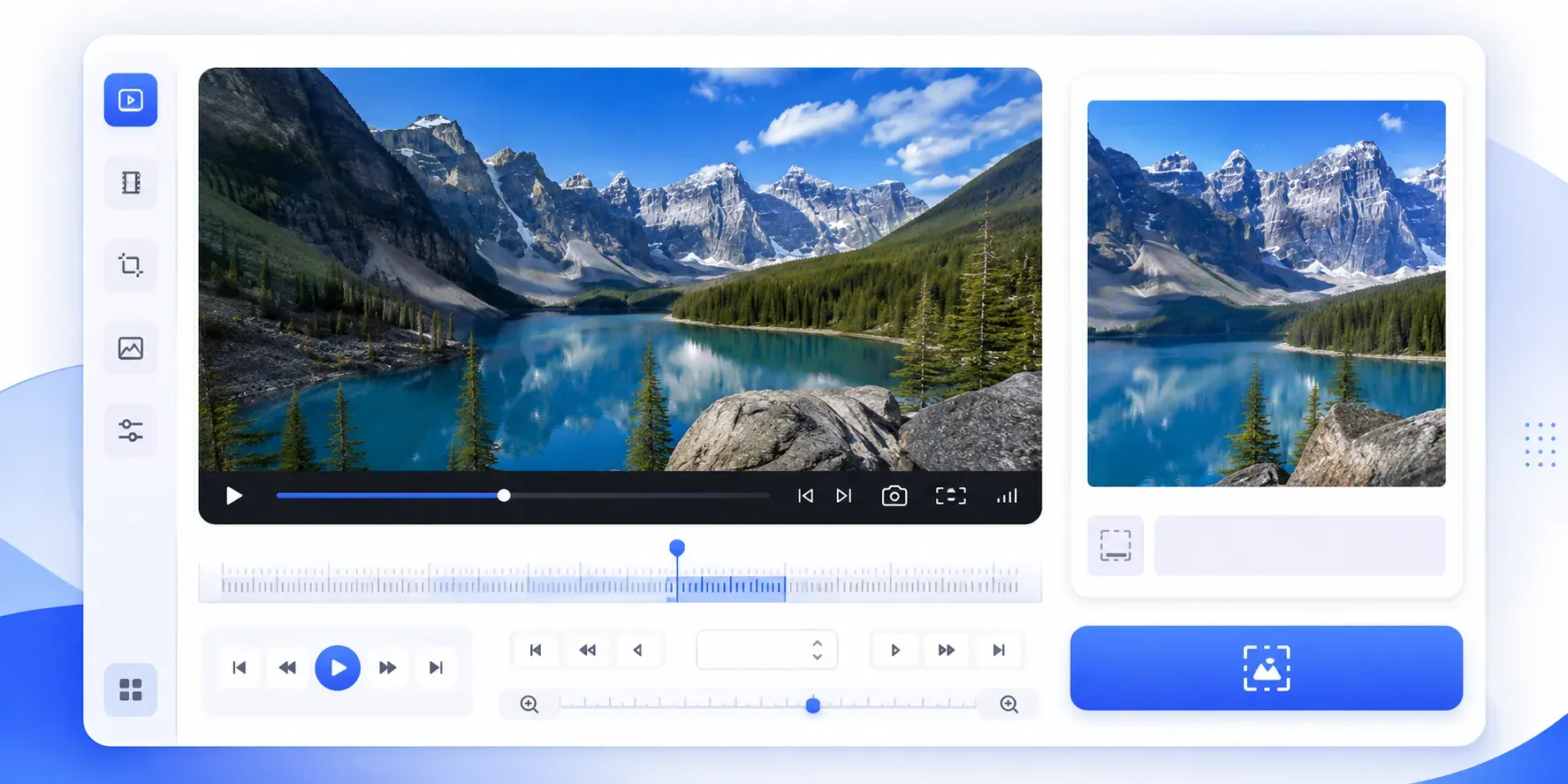
Use timestamp input and millisecond controls to export the exact moment as a clean PNG image.
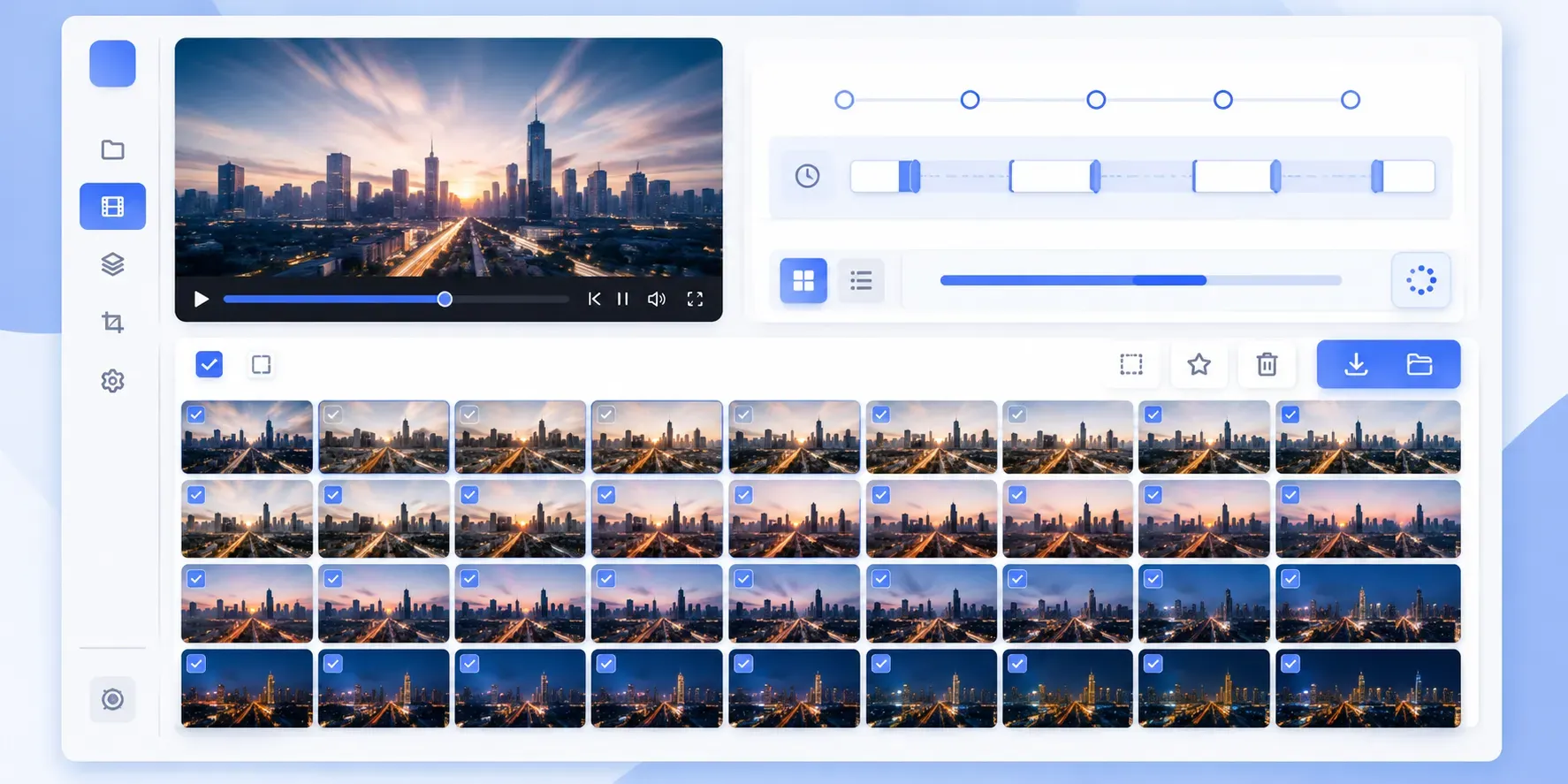
Extract frames every 0.1s or 0.25s to compare motion, expressions, transitions, and product details quickly.
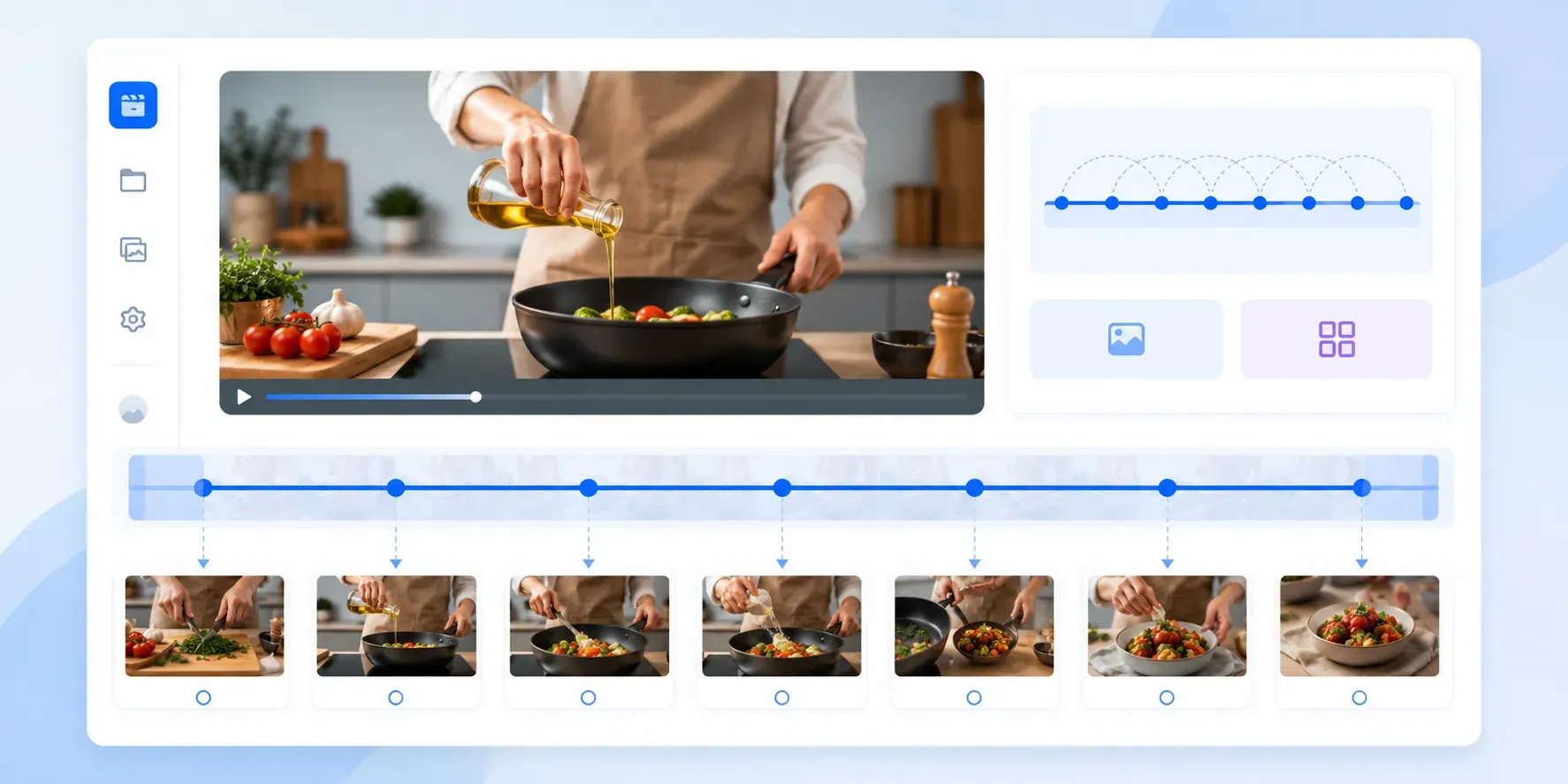
Save frames from browser-supported videos at the source resolution without player controls or screen-scaling artifacts.
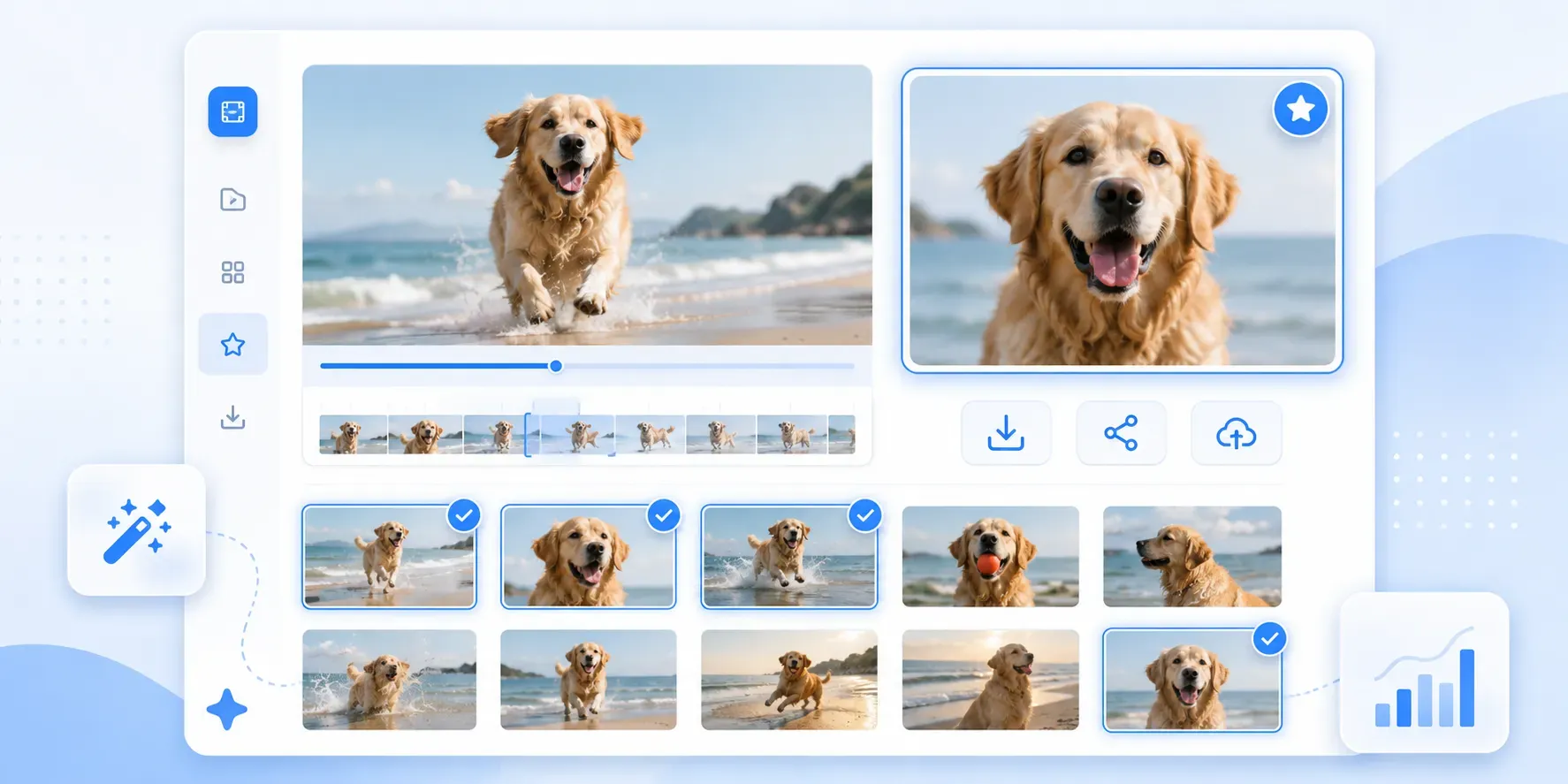
Save one PNG or package all selected frames into a ZIP file for thumbnails, editing, and documentation.
Built for creators, editors, marketers, teachers, and anyone who needs clean frames without opening editing software.
Generate candidate frames and pick the strongest still image for YouTube, courses, social posts, and product pages.
Batch extract frames by interval instead of pausing and taking screenshots one by one.
Capture the actual video frame as a clean PNG, without player controls or screen scaling artifacts.
Processing happens in your browser, so private clips and client assets do not need to be uploaded.
See why users love our Video Frame Extractor
"I use it to pull clean thumbnail frames from short tutorial videos. Scrubbing to the exact moment is much better than taking a rough screen capture."
Nathan Drake
Continue editing
A good unblur image online tool should not feel like a noisy demo. It should explain what it can improve, keep the result believable, and make it easy to decide whether the enhanced image is actually useful for sharing, publishing, or reading.
Hide private details after improving clarity, especially in screenshots or public-facing photos.
Compress the final image so it loads faster on websites and uploads more easily.