Batch resizing
Upload up to 20 images and apply the same width or height to the whole group in one step.
Batch image resizer
Resize image online with live preview, free single-photo editing, optional crop, batch resizing, and JPG, PNG, or WebP export in your browser.
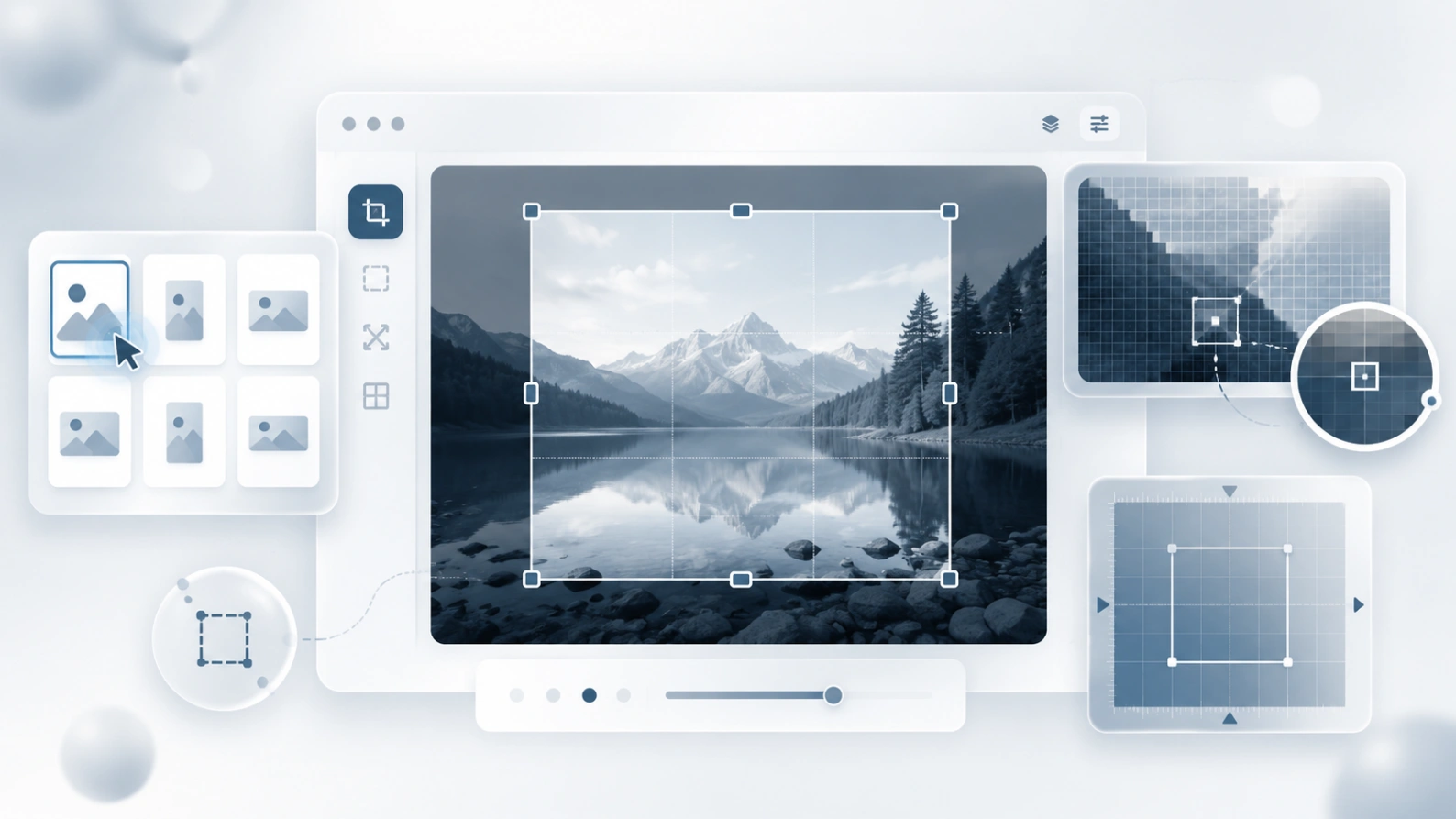
Resize JPG, PNG, WebP, and other common image files in your browser.
Why use this resizer
Resize an image online for sharing, stores, blogs, forms, and screenshots. Use exact pixel dimensions, crop before resizing when needed, and preview the result before downloading.
Upload up to 20 images and apply the same width or height to the whole group in one step.
Open any image in the batch and adjust its own width, height, format, and quality before downloading.
Images are resized locally in your browser, so normal resizing work does not require uploading files to our server.
Export resized images as JPEG, PNG, or WebP depending on whether you need small files, transparency, or modern web delivery.
Common resize tasks
Most people are not resizing for decoration. They need an image that fits a profile, upload form, marketplace listing, article, email, or support document without losing privacy or control.
Make a photo smaller, crop extra space, or fit a square profile area before posting.
Prepare consistent product image sizes for listings, catalogs, and shop pages.
Resize screenshots or document images to meet upload limits while keeping readable details.
Select the part that matters first, then export it at the exact width and height you need.
A quick workflow for exact image dimensions
Select one file or upload a batch of images from your device.
Choose width and height, keep aspect ratio if needed, and adjust individual images when the batch needs exceptions.
Generate resized images in your browser, then download one file or the whole batch.
Image size guide
There is no single best image size. Start with the final place where the image will be used, then resize only as much as necessary to keep the result sharp and lightweight.
Related tools
Reduce image file size efficiently without losing quality.
Blur parts of your image or the background easily.
Upload a blurry photo, soft screenshot, or compressed web image and sharpen it directly in your browser. This free AI image sharpener is built for realistic clarity: cleaner edges, more readable details, and no promise to recover what the original file never captured.
Blur Image Online is being built around a simple idea: before an image leaves your device, you should have practical tools to hide private details, prepare the file, and share it with more confidence.
Create an inverted image, then resize it to the exact dimensions required by a website or form.