Toplu yeniden boyutlandırma
En fazla 20 görsel yükleyin ve aynı genişliği veya yüksekliği tek adımda tüm gruba uygulayın.
Toplu resim yeniden boyutlandırıcı
Tarayıcınızda canlı önizleme, ücretsiz tek fotoğraf düzenleme, isteğe bağlı kırpma, toplu yeniden boyutlandırma ve JPG, PNG veya WebP dışa aktarma özellikleriyle görüntüyü çevrimiçi olarak yeniden boyutlandırın.
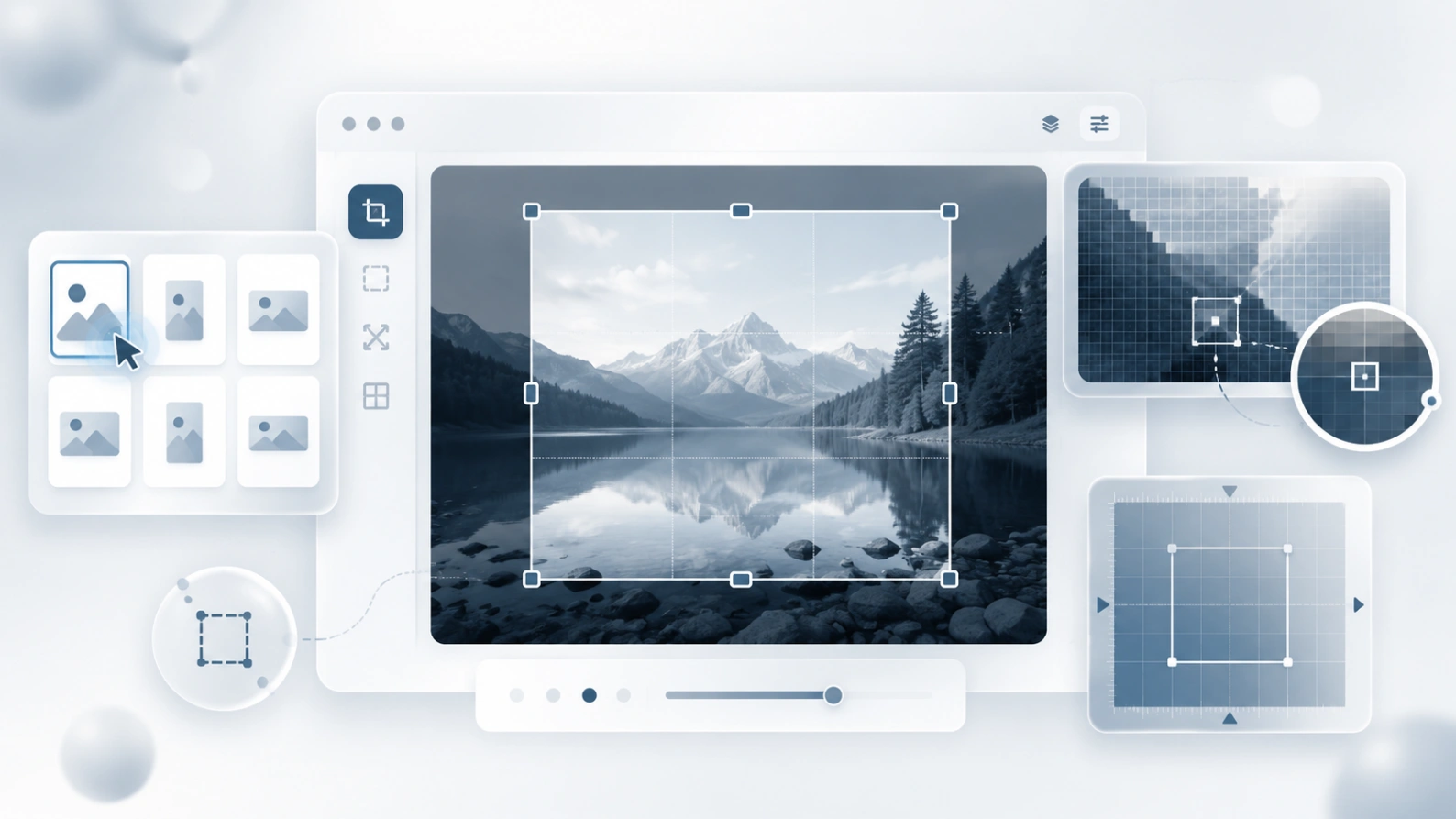
Tarayıcınızda JPG, PNG, WebP ve diğer yaygın resim dosyalarını yeniden boyutlandırın.
Neden bu yeniden boyutlandırıcıyı kullanmalısınız?
Paylaşmak, mağazalar, bloglar, formlar ve ekran görüntüleri için bir görseli çevrimiçi olarak yeniden boyutlandırın. Tam piksel boyutlarını kullanın, gerektiğinde yeniden boyutlandırmadan önce kırpın ve indirmeden önce sonucu önizleyin.
En fazla 20 görsel yükleyin ve aynı genişliği veya yüksekliği tek adımda tüm gruba uygulayın.
Toplu haldeki herhangi bir görseli açın ve indirmeden önce kendi genişliğini, yüksekliğini, formatını ve kalitesini ayarlayın.
Resimler tarayıcınızda yerel olarak yeniden boyutlandırılır, dolayısıyla normal yeniden boyutlandırma işlemi dosyaların sunucumuza yüklenmesini gerektirmez.
Küçük dosyalara, şeffaflığa veya modern web dağıtımına ihtiyacınız olup olmadığına bağlı olarak yeniden boyutlandırılan görüntüleri JPEG, PNG veya WebP olarak dışa aktarın.
Yaygın yeniden boyutlandırma görevleri
Çoğu kişi dekorasyon için yeniden boyutlandırmıyor. Gizlilik veya kontrolü kaybetmeden bir profile, yükleme formuna, pazar listesine, makaleye, e-postaya veya destek belgesine uyan bir görsele ihtiyaçları var.
Fotoğrafı küçültün, fazladan alanı kırpın veya yayınlamadan önce kare bir profil alanına sığdırın.
Listeler, kataloglar ve mağaza sayfaları için tutarlı ürün görseli boyutları hazırlayın.
Okunabilir ayrıntıları korurken yükleme sınırlarını karşılamak için ekran görüntülerini veya belge resimlerini yeniden boyutlandırın.
Önce önemli olan parçayı seçin, ardından onu tam olarak ihtiyacınız olan genişlik ve yükseklikte dışa aktarın.
Tam görüntü boyutları için hızlı bir iş akışı
Cihazınızdan bir dosya seçin veya toplu resim yükleyin.
Genişlik ve yüksekliği seçin, gerekirse en boy oranını koruyun ve toplu iş istisnalara ihtiyaç duyduğunda görüntüleri tek tek ayarlayın.
Tarayıcınızda yeniden boyutlandırılmış görseller oluşturun, ardından bir dosyayı veya toplu işlemin tamamını indirin.
Resim boyutu kılavuzu
Tek bir en iyi görüntü boyutu yoktur. Görüntünün kullanılacağı son yerden başlayın, ardından sonucu keskin ve hafif tutmak için yalnızca gerektiği kadar yeniden boyutlandırın.
İlgili araçlar
Kaliteyi koruyarak dosya boyutunu verimli şekilde azaltın.
Görüntünün bölümlerini veya arka planı kolayca bulanıklaştırın.
Bulanık bir fotoğraf, yumuşak ekran görüntüsü veya sıkıştırılmış web görseli yükleyin ve netliği tarayıcıda artırın. Bu AI aracı gerçekçi sonuçlar, daha temiz kenarlar ve okunabilir detaylar için tasarlandı.
Blur Image Online basit bir fikirle geli?tiriliyor: Bir g?r?nt? cihaz?n?zdan ??kmadan ?nce ?zel ayr?nt?lar? gizleyebilmeli, dosyay? haz?rlayabilmeli ve daha g?venle payla?abilmelisiniz.
Ters çevrilmiş bir görsel oluşturun, ardından bir web sitesi veya formun istediği kesin ölçülere yeniden boyutlandırın.