GIF 动图隐私工具

在线模糊 GIF

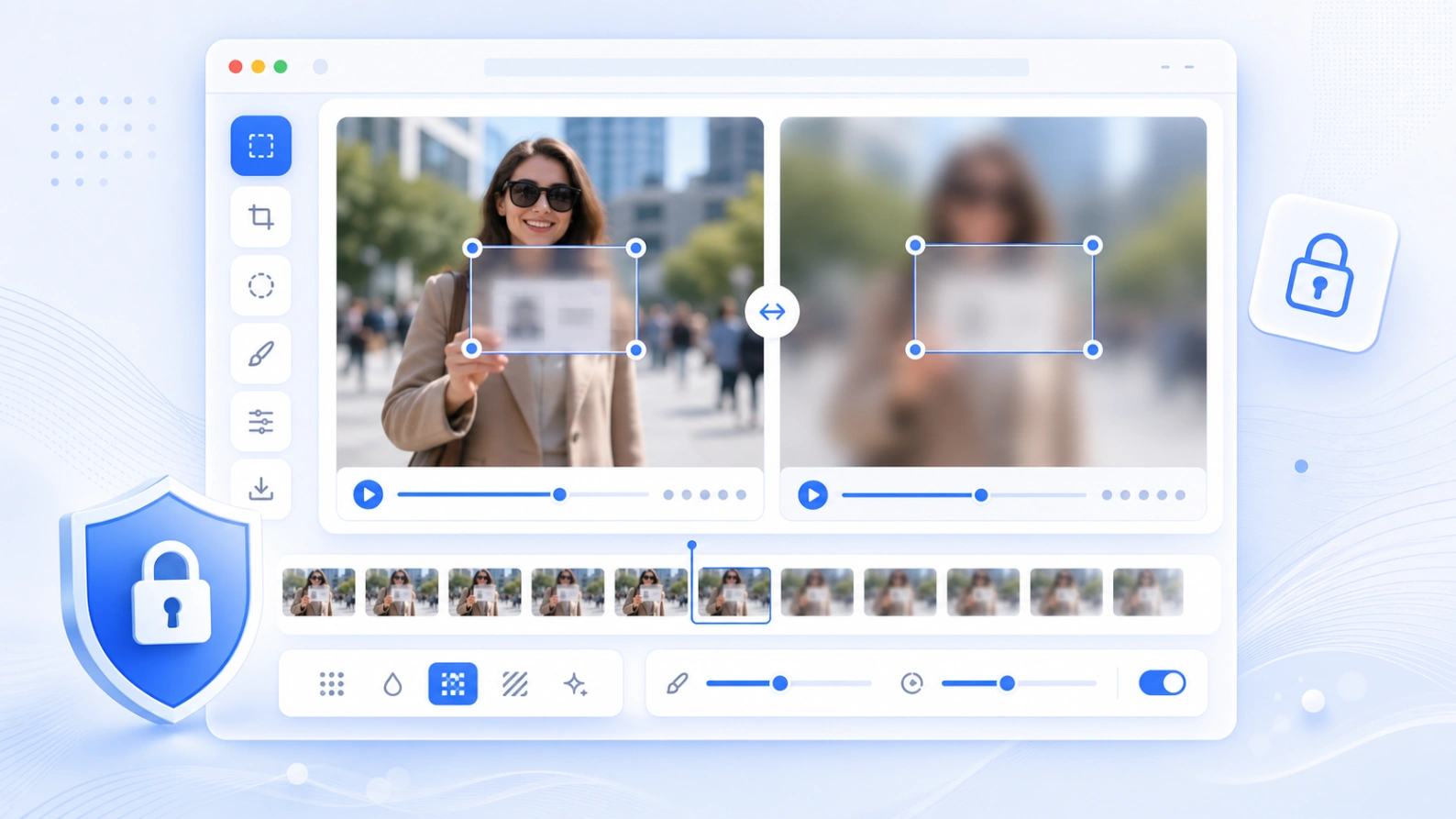
上传 GIF 动图,选择要隐藏的区域,切换模糊效果,逐帧预览结果,然后下载处理后的动画 GIF。

浏览器本地处理支持动画 GIF 导出可选模糊效果

适合快速隐藏 GIF 里的脸部、文字、标牌、用户名和其他隐私细节。

GIF blur editor

How it works

如何在线模糊 GIF

流程很简单:上传动图、框选区域、选择效果、预览动画,然后导出新的 GIF。

01

Upload a GIF

Import an animated GIF from your device. The frames are decoded locally in your browser.

02

Select the private area

Drag the editable box over a face, caption, sign, username, license plate, or other detail.

03

Choose a blur effect

Use soft Gaussian blur, pixelation, or a solid mask depending on how obvious the edit should be.

04

Export the blurred GIF

Preview the original and blurred frames side by side, then download the processed animation.

Common uses

GIF 动图里可以隐藏什么

Blur GIF Online is useful before posting short reaction GIFs, screen recordings, chat captures, product demos, or social clips.

Blur faces in GIFs

Hide people in short animated clips before sharing them on social media or in a public guide.

Blur text in GIFs

Cover names, emails, messages, usernames, order IDs, or private captions in animated screenshots.

Pixelate sensitive details

Make privacy edits visible when you need readers to understand that information was redacted.

Mask moving attention areas

Apply one consistent blur area across frames for quick privacy edits in short animations.

Privacy and limits

适合短 GIF 的本地编辑

Your GIF is processed in the browser for preview and export. Large animated GIFs can use a lot of memory, so shorter clips work best on mobile devices.

No server upload for editing

The tool decodes frames and builds the blurred GIF on your device.

Best for short GIFs

For very large or high-frame-count GIFs, reduce the size first for faster preview and export.

Consistent area blur

The selected area is applied across the animation. Use video blur for moving objects that need keyframes.

FAQ

GIF 模糊常见问题

Answers for GIF format support, privacy, quality, preview, and export.

Can I blur an animated GIF online? +

Yes. Upload a GIF, draw a blur area, choose an effect, preview the frames, and export a new blurred GIF.

Does this GIF blur tool support animation? +

Yes. It reads the GIF frames and exports an animated GIF instead of only saving a still image.

Which blur effects are available? +

You can choose Gaussian blur, pixelation, or a solid mask. Gaussian is softer, pixelation is more obvious, and mask fully covers the area.

Is my GIF uploaded to a server? +

The editor runs in the browser for preview and export. Keep the page open while the GIF is being processed.

Why can a large GIF export slowly? +

Animated GIFs contain many frames. Each frame must be redrawn, blurred, color-quantized, and encoded, which can take time on mobile devices.

Can I blur a moving face in a GIF? +

This first editor applies one selected area across the animation. If the face moves a lot, use a larger area or convert the clip to video and use the video blur tool.