Poimija pikkukuville, klipeille ja ruututarkasteluun
Tavallinen kuvakaappaus voi sisältää soittimen painikkeita tai ohittaa hetken. Työkalu poimii oikean videoruudun selaimessa ja tallentaa PNG:n.
Ilmainen videoruudun poimija
Tallenna teräviä kuvia MP4-, WebM-, Ogg- ja muista selaimen videoista. Valitse tarkka aika, poimi väleittäin, luo pikkukuvia ja lataa ZIP.
Tallenna teräviä kuvia MP4-, WebM-, Ogg- ja muista selaimen videoista. Valitse tarkka aika, poimi väleittäin, luo pikkukuvia ja lataa ZIP.
Tarkka videokuvakaappauksen työnkulku
Tavallinen kuvakaappaus voi sisältää soittimen painikkeita tai ohittaa hetken. Työkalu poimii oikean videoruudun selaimessa ja tallentaa PNG:n.
Tavallinen kuvakaappaus voi sisältää soittimen painikkeita tai ohittaa hetken. Työkalu poimii oikean videoruudun selaimessa ja tallentaa PNG:n.
Tallenna teräviä kuvia MP4-, WebM-, Ogg- ja muista selaimen videoista. Valitse tarkka aika, poimi väleittäin, luo pikkukuvia ja lataa ZIP.
Choose how many frames you want, and the tool samples the full video evenly so you can review the entire clip at a glance.
Generate candidate frames away from the very beginning and end of the video, then download all extracted images in one ZIP file.
Tarkka videokuvakaappauksen työnkulku
Tavallinen kuvakaappaus voi sisältää soittimen painikkeita tai ohittaa hetken. Työkalu poimii oikean videoruudun selaimessa ja tallentaa PNG:n.
Tallenna teräviä kuvia MP4-, WebM-, Ogg- ja muista selaimen videoista. Valitse tarkka aika, poimi väleittäin, luo pikkukuvia ja lataa ZIP.
Choose how many frames you want, and the tool samples the full video evenly so you can review the entire clip at a glance.
Tavallinen kuvakaappaus voi sisältää soittimen painikkeita tai ohittaa hetken. Työkalu poimii oikean videoruudun selaimessa ja tallentaa PNG:n.
Generate candidate frames away from the very beginning and end of the video, then download all extracted images in one ZIP file.
Lataa video, valitse tarkka tai eräpoiminta ja lataa PNG tai ZIP.
Lataa video, valitse tarkka tai eräpoiminta ja lataa PNG tai ZIP.
0.1s / 0.25s / timestamp / batch.
PNG / ZIP / no watermark.
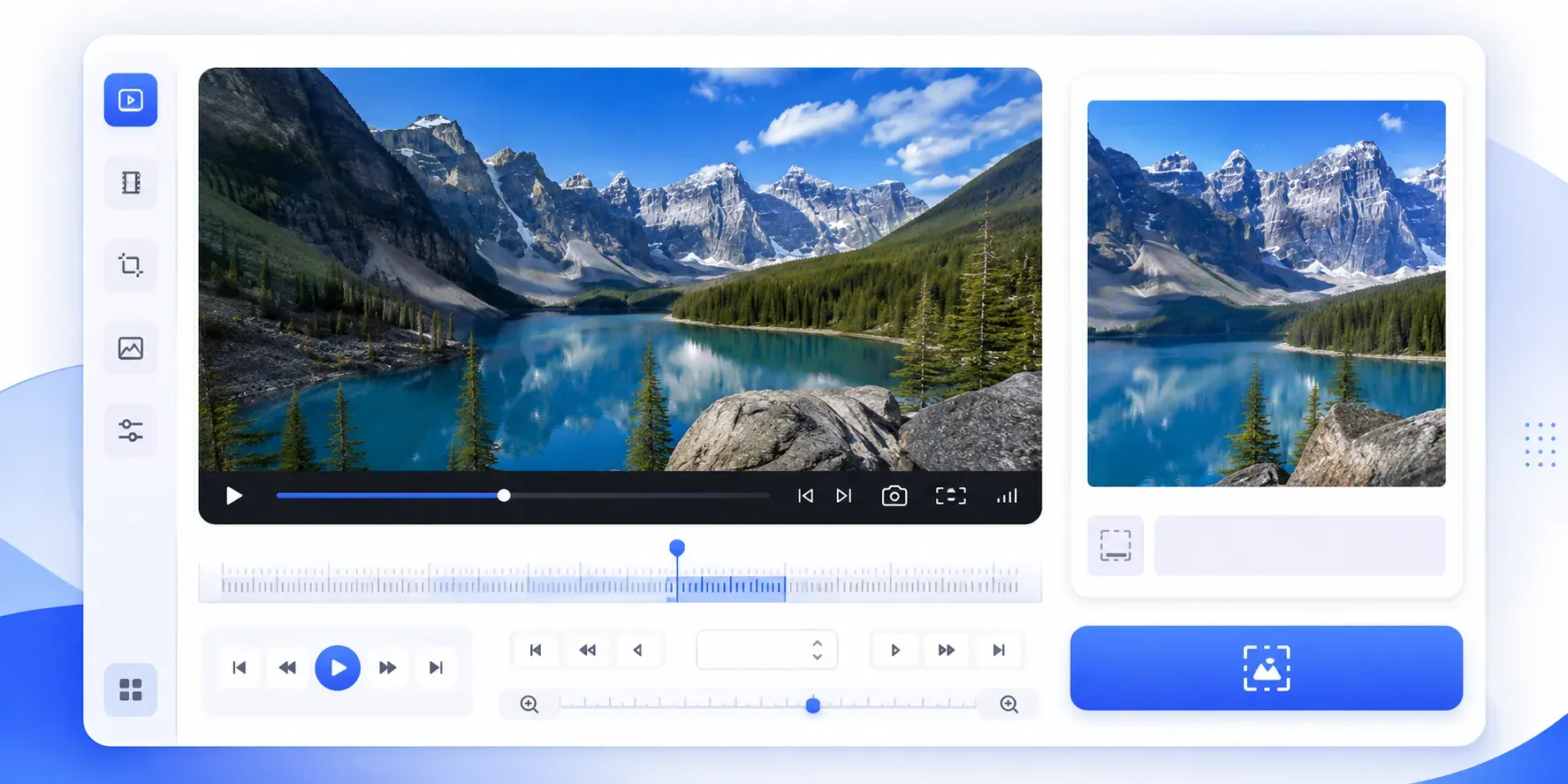
Tavallinen kuvakaappaus voi sisältää soittimen painikkeita tai ohittaa hetken. Työkalu poimii oikean videoruudun selaimessa ja tallentaa PNG:n.
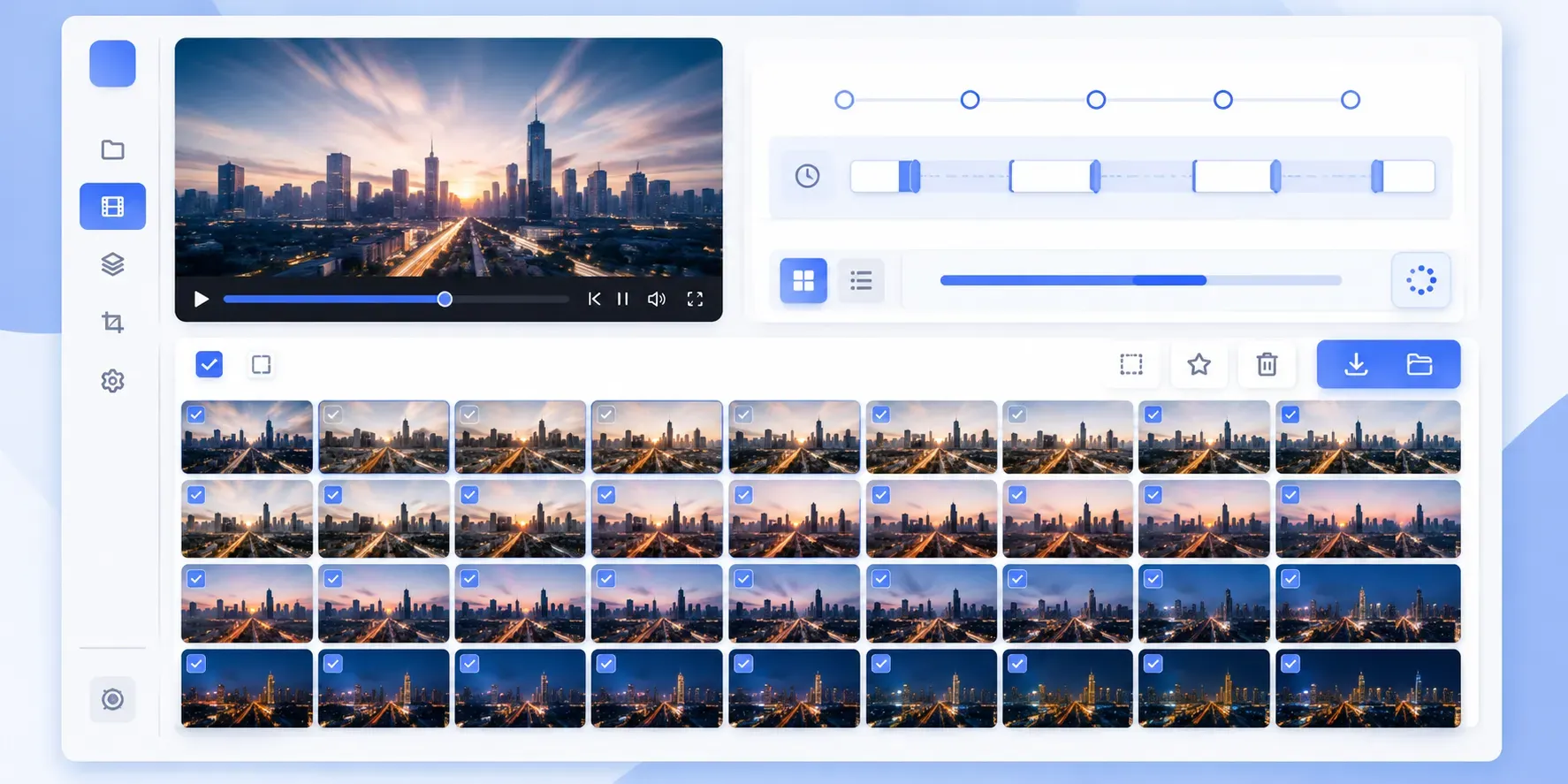
Tallenna teräviä kuvia MP4-, WebM-, Ogg- ja muista selaimen videoista. Valitse tarkka aika, poimi väleittäin, luo pikkukuvia ja lataa ZIP.
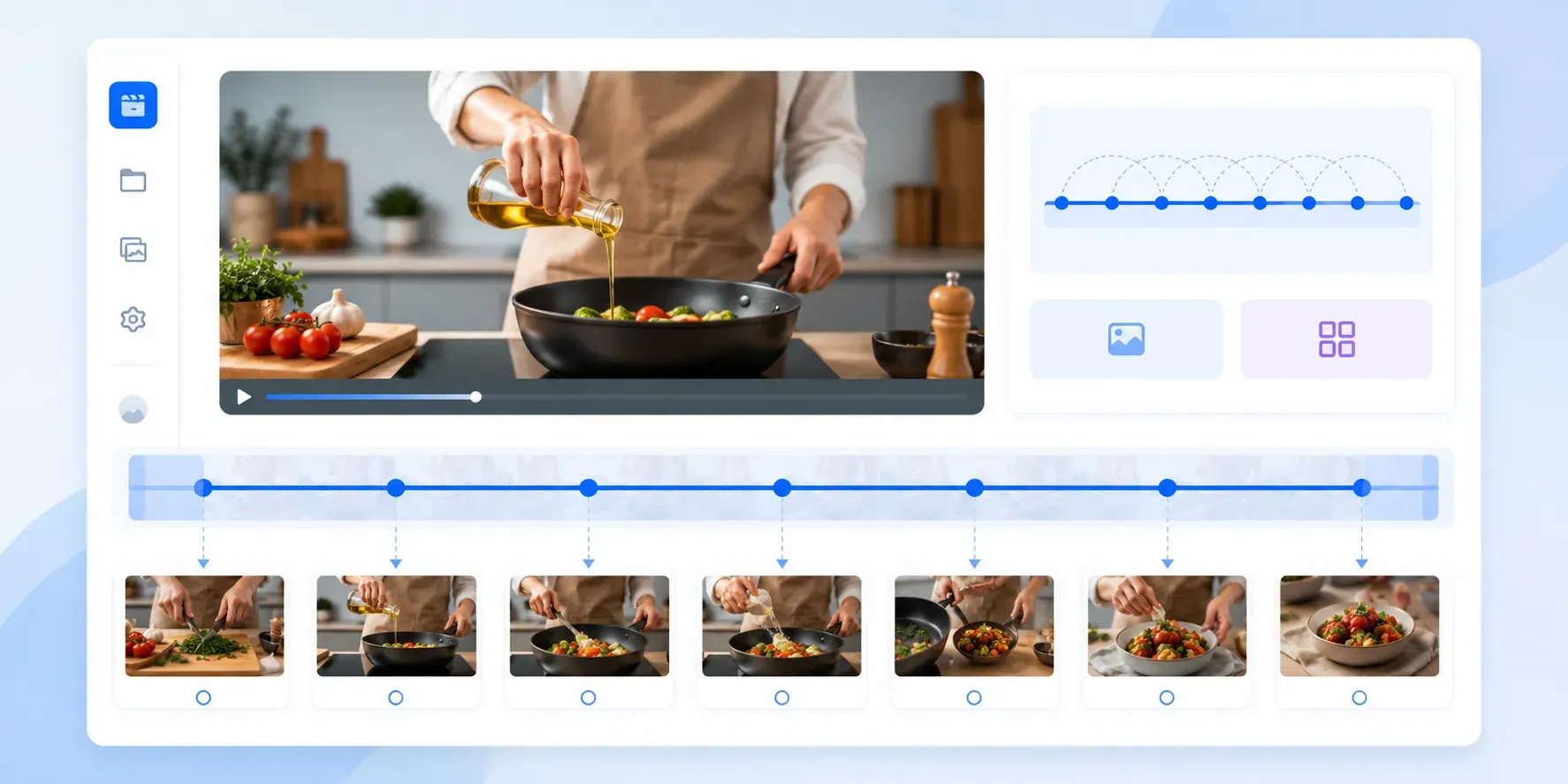
Choose how many frames you want, and the tool samples the full video evenly so you can review the entire clip at a glance.
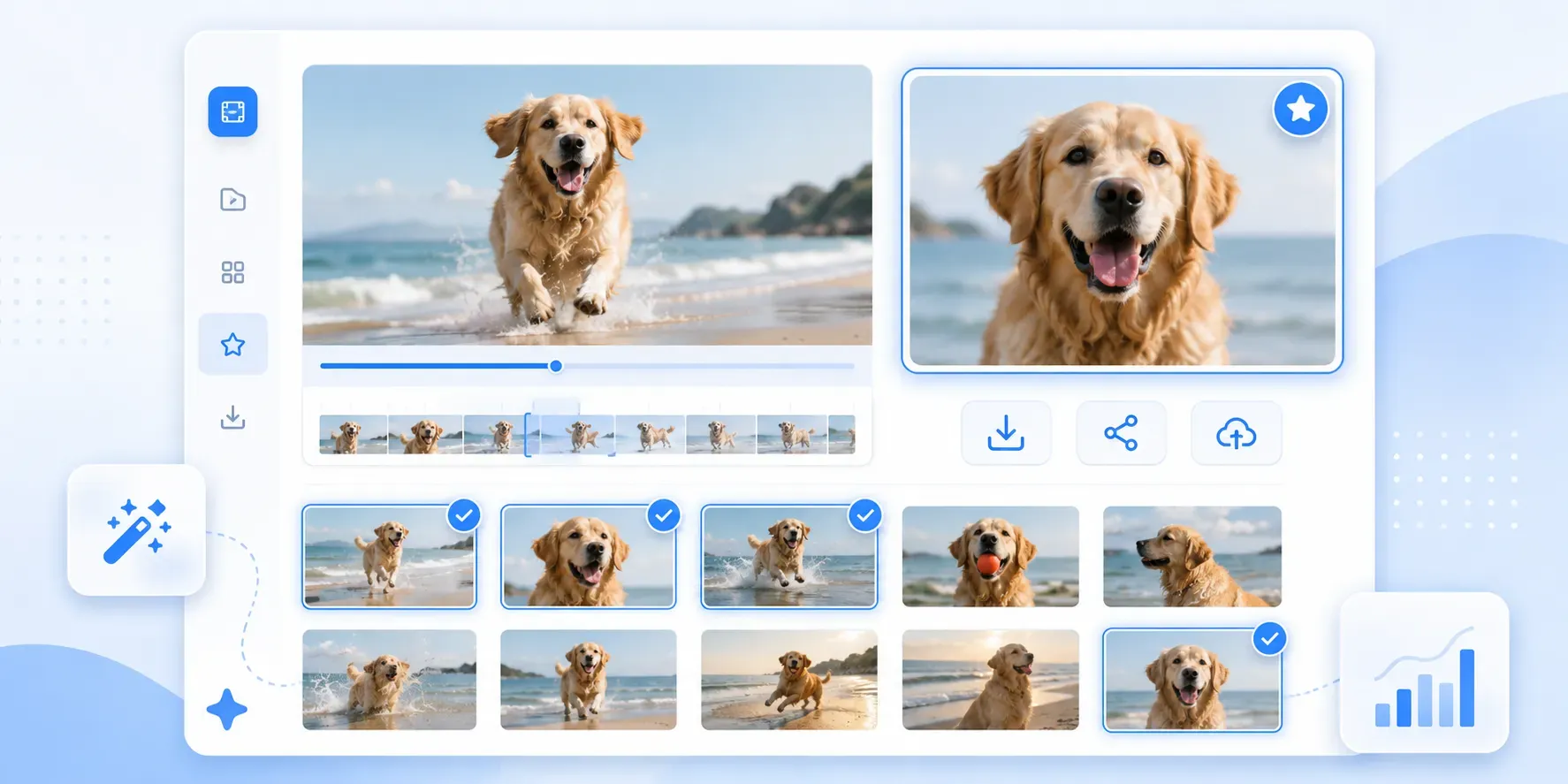
Generate candidate frames away from the very beginning and end of the video, then download all extracted images in one ZIP file.
Tavallinen kuvakaappaus voi sisältää soittimen painikkeita tai ohittaa hetken. Työkalu poimii oikean videoruudun selaimessa ja tallentaa PNG:n.
Tallenna teräviä kuvia MP4-, WebM-, Ogg- ja muista selaimen videoista. Valitse tarkka aika, poimi väleittäin, luo pikkukuvia ja lataa ZIP.
Extract frames every 0.1s, 0.25s, 0.5s, 1s, 2s, or 5s to quickly scan short videos and find the best still image.
Enter a timestamp, fine-tune with ±0.01s and ±0.1s controls, and capture the precise expression, action, transition, or detail you need.
Generate candidate frames away from the very beginning and end of the video, then download all extracted images in one ZIP file.
Katso miksi käyttäjät rakastavat työkaluamme
"Käytän sitä selkeiden thumbnail-ruutujen poimimiseen lyhyistä opasvideoista."
Nathan Drake
Jatka muokkaamista
A good unblur image tool should not feel like a noisy demo. It should explain what it can improve, keep the result believable, and make it easy to decide whether the enhanced image is actually useful.
Piilota yksityiset tiedot selkeyden parantamisen jälkeen, erityisesti kuvakaappauksissa tai julkisissa valokuvissa.
Pakkaa lopullinen kuva, jotta se latautuu nopeammin verkkosivustoille ja latautuu helpommin.