Last opp en GIF
Importer en animert GIF fra enheten din. Rammer dekodes lokalt i nettleseren.
Personvernverktøy for animerte GIFer
Last opp en animert GIF, velg området som skal skjules, velg effekt og last ned en uskarp GIF.
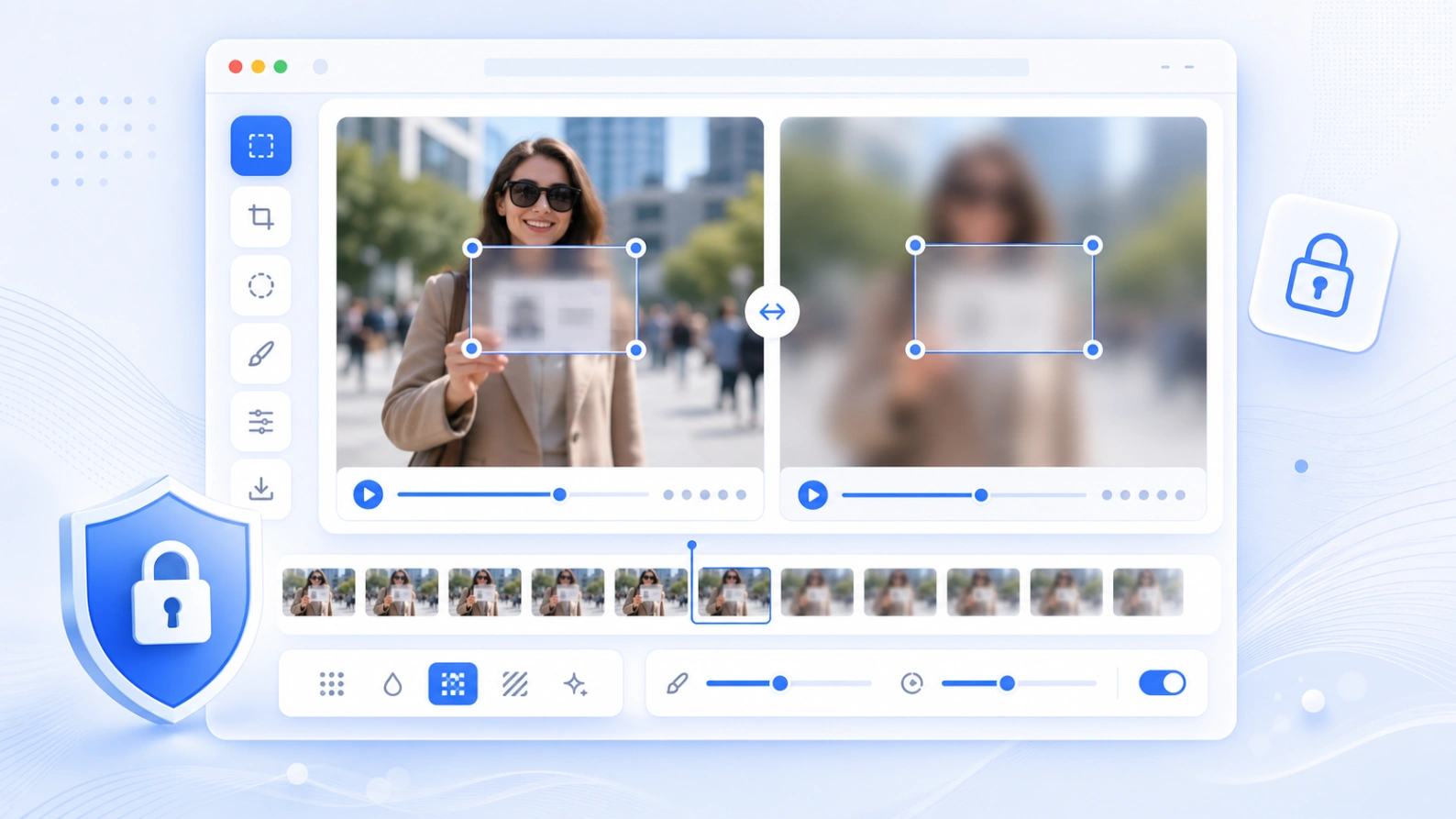
For å skjule ansikter, tekst, skilt, brukernavn og private detaljer i korte GIFer.
Slik fungerer det
Last opp GIFen, velg området, velg effekt, sjekk animasjonen og eksporter den nye filen.
Importer en animert GIF fra enheten din. Rammer dekodes lokalt i nettleseren.
Dra boksen over ansikt, tekst, skilt, brukernavn, registreringsnummer eller annen detalj.
Bruk Gaussisk uskarphet, pikselering eller maske etter hvor tydelig området skal skjules.
Sammenlign original og resultat, og last ned den behandlede animasjonen.
Vanlige bruksområder
Nyttig før du deler korte GIFer, skjermopptak, chatklipp, produktdemoer eller sosiale klipp.
Skjul personer i korte animasjoner før deling på nett.
Dekk navn, e-post, meldinger, brukernavn, ordre-IDer eller private undertekster.
Vis tydelig at informasjon er skjult.
Bruk ett fast område på alle rammer i korte animasjoner.
Personvern og grenser
Forhåndsvisning og eksport skjer i nettleseren. Store GIFer bruker mye minne, så korte klipp fungerer best på mobil.
Verktøyet dekoder rammer og lager den uskarpe GIFen på enheten din.
Reduser store GIFer eller filer med mange rammer først for raskere eksport.
Valgt område brukes på hele animasjonen. For objekter som beveger seg mye, bruk videouskarphet med keyframes.
FAQ
Svar om GIF-støtte, personvern, kvalitet, forhåndsvisning og eksport.
Ja. Last opp en GIF, velg område, velg effekt, se rammene og eksporter en ny GIF.
Ja. Verktøyet leser GIF-rammene og eksporterer en animert GIF.
Du kan velge Gaussisk uskarphet, pikselering eller maske.
Forhåndsvisning og eksport kjører i nettleseren. Hold siden åpen under behandling.
Hver ramme må tegnes, gjøres uskarp, fargereduseres og kodes på nytt.
Denne versjonen bruker et fast område. Bruk større område eller videoverktøyet ved mye bevegelse.
Related tools
Gjør ansikter, tekst, skjermbilder og private detaljer uskarpe i stillbilder.
Åpne verktøy →Legg til tidsstyrte områder og keyframes i korte videoer.
Åpne verktøy →Skjul ansikter, skilt, skjermbilder og dokumenter tydelig.
Åpne verktøy →Reduser filstørrelsen etter redigering for raskere deling.
Åpne verktøy →