Batch ändra storlek
Ladda upp upp till 20 bilder och tillämpa samma bredd eller höjd på hela gruppen i ett steg.
Verktyg för storleksändring i grupp
Ändra storlek på bild online med liveförhandsgranskning, gratis redigering av enstaka foton, valfri beskärning, batch-storleksändring och JPG-, PNG- eller WebP-export i din webbläsare.
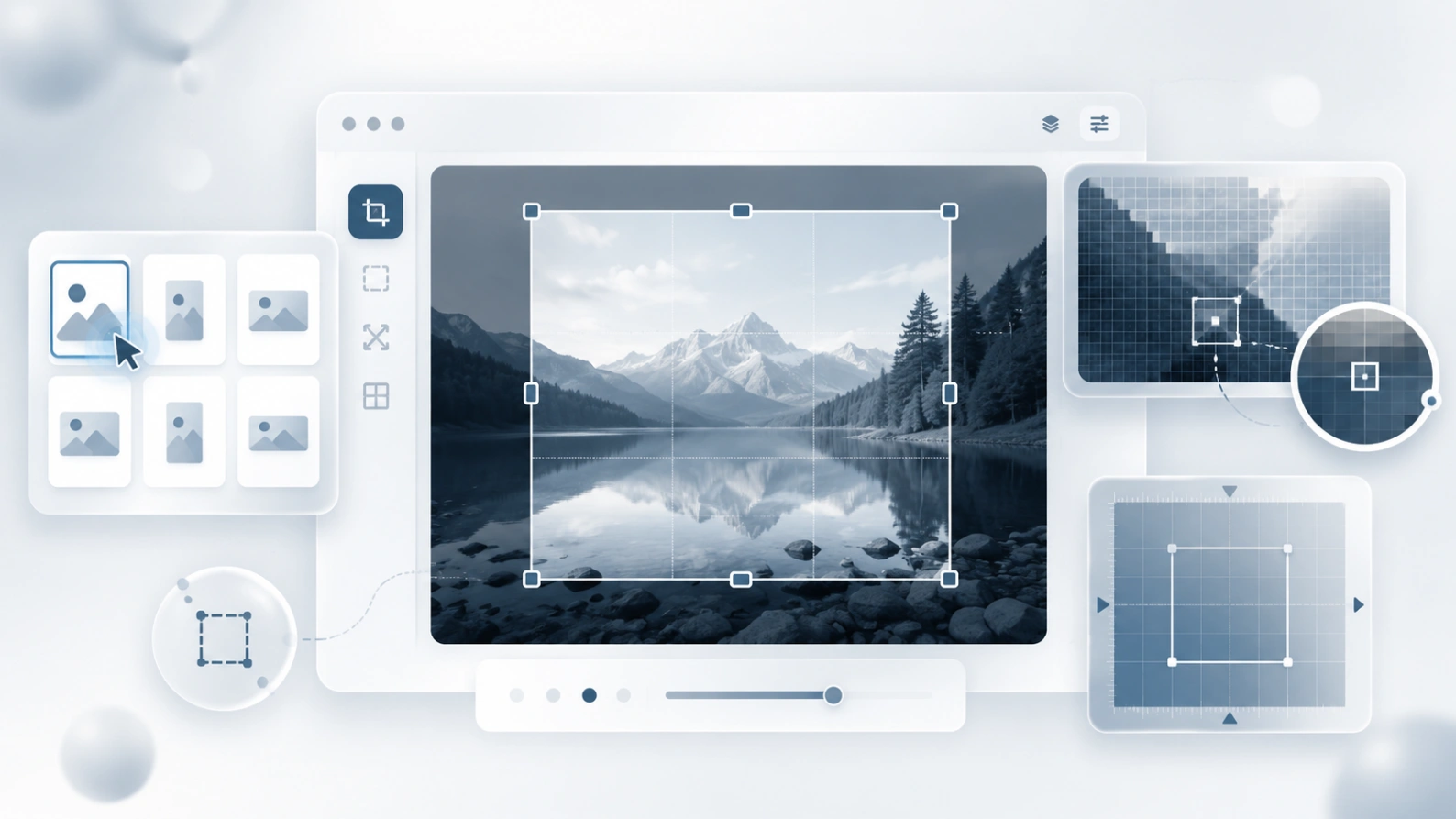
Ändra storlek på JPG, PNG, WebP och andra vanliga bildfiler i din webbläsare.
Varför använda denna resizer
Ändra storlek på en bild online för delning, butiker, bloggar, formulär och skärmdumpar. Använd exakta pixeldimensioner, beskära innan du ändrar storlek vid behov och förhandsgranska resultatet innan du laddar ner.
Ladda upp upp till 20 bilder och tillämpa samma bredd eller höjd på hela gruppen i ett steg.
Öppna valfri bild i partiet och justera dess egen bredd, höjd, format och kvalitet innan du laddar ner.
Bilder ändras storlek lokalt i din webbläsare, så normalt storleksändringsarbete kräver inte uppladdning av filer till vår server.
Exportera bilder med ändrad storlek som JPEG, PNG eller WebP beroende på om du behöver små filer, transparens eller modern webbleverans.
Vanliga storleksändringsuppgifter
De flesta ändrar inte storleken för dekoration. De behöver en bild som passar en profil, uppladdningsformulär, marknadsplatslistning, artikel, e-post eller supportdokument utan att förlora integritet eller kontroll.
Gör ett foto mindre, beskära extra utrymme eller passa ett kvadratiskt profilområde innan du lägger upp det.
Förbered konsekventa produktbildstorlekar för listor, kataloger och butikssidor.
Ändra storlek på skärmdumpar eller dokumentbilder för att möta uppladdningsgränserna samtidigt som du behåller läsbara detaljer.
Välj den del som är viktig först och exportera den sedan till den exakta bredd och höjd du behöver.
Ett snabbt arbetsflöde för exakta bildmått
Välj en fil eller ladda upp en grupp bilder från din enhet.
Välj bredd och höjd, behåll bildförhållandet om det behövs och justera enskilda bilder när partiet behöver undantag.
Skapa bilder med ändrad storlek i din webbläsare och ladda sedan ner en fil eller hela partiet.
Bildstorleksguide
Det finns ingen enskild bästa bildstorlek. Börja med den sista platsen där bilden ska användas, ändra sedan storleken bara så mycket som behövs för att hålla resultatet skarpt och lätt.
Relaterade verktyg
Minska filstorleken effektivt utan att tappa visuell kvalitet.
Sudda enkelt delar av bilden eller bakgrunden.
Ladda upp ett suddigt foto, en mjuk skärmdump eller en komprimerad webbild och förbättra skärpan i webbläsaren. AI-verktyget är byggt för realistisk klarhet, renare kanter och läsbarare detaljer.
Blur Image Online bygger p? en enkel id?: innan en bild l?mnar din enhet ska du kunna d?lja privata detaljer, f?rbereda filen och dela den med st?rre trygghet.
Skapa en inverterad bild och ändra sedan storleken till de exakta mått som en webbplats eller ett formulär kräver.