Check more than the obvious plate
Look for front and rear plates, cars in the background, reflections in windows or bumpers, and plates that appear in mirrors. A quick scan is worth it before you publish a listing or social post.
Private browser-based image editing
Car photos often get shared for innocent reasons: selling a vehicle, showing a repair, posting a travel shot, making a thumbnail, or documenting a delivery. The plate does not need to be part of that story. Cover it before the image goes public.
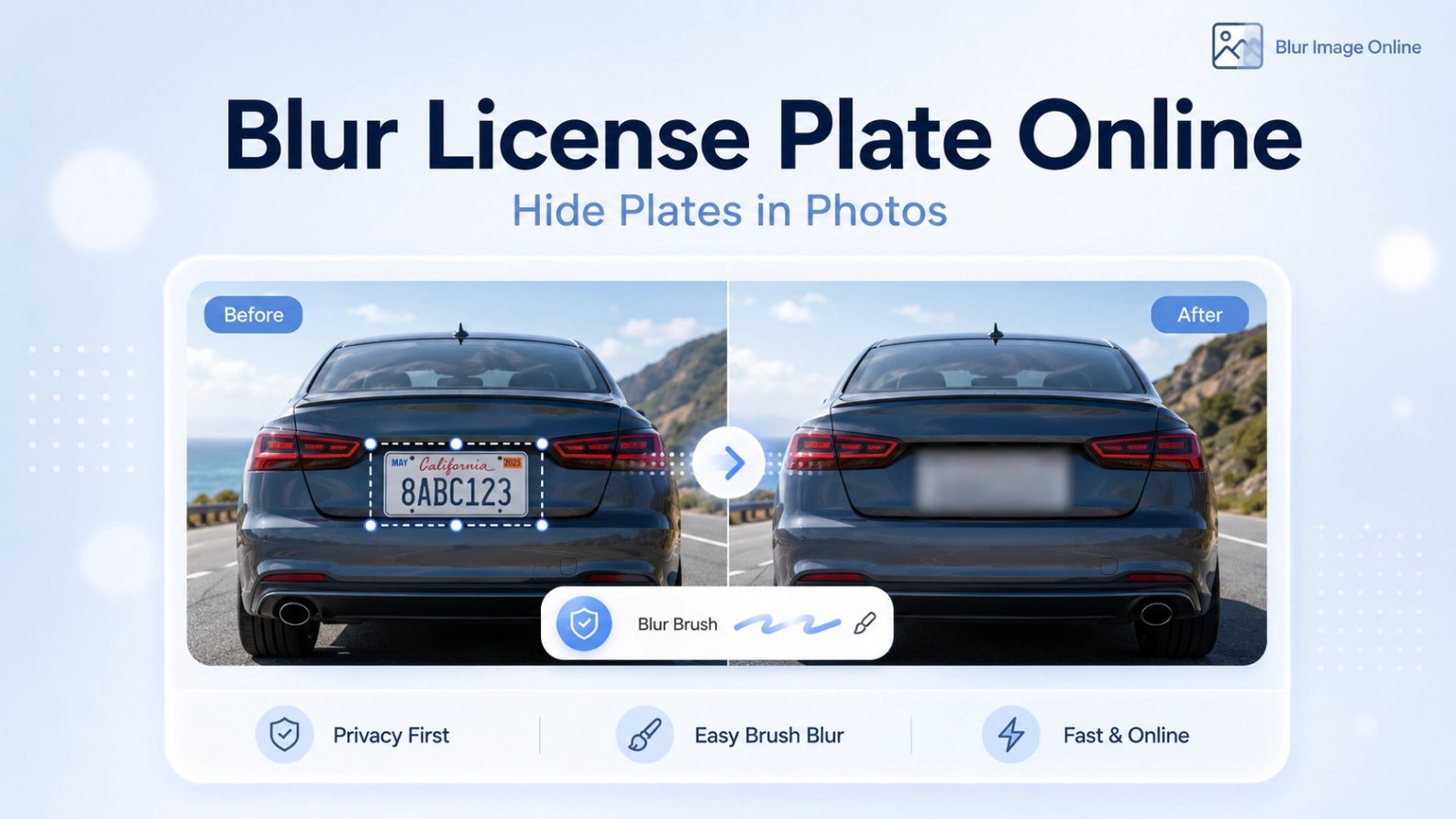
Find license plates, review the marked areas, and blur or pixelate them before downloading.
Look for front and rear plates, cars in the background, reflections in windows or bumpers, and plates that appear in mirrors. A quick scan is worth it before you publish a listing or social post.
Do not blur only the characters. Paint the full plate area with a little padding, because websites often resize, sharpen, or crop photos after upload. Close-up plates usually need stronger blur than distant plates.
A plate is not the only detail that can identify a vehicle or location. Street signs, house numbers, garage names, parking permits, and documents on the windshield may also deserve a quick blur.
From real editing jobs
You are posting a car listing and the plate is clear in every photo.
A repair, delivery, parking, street, or travel photo includes vehicles that are not the point.
You are making a thumbnail where the car matters but the plate number does not.
How it works
The workflow is intentionally simple: choose the image, blur the private area, inspect the preview, and download a safer copy.
Upload the car, street, garage, or travel photo.
Brush over the full license plate area with extra padding.
Use strong blur until the plate is unreadable after zooming.
Download the edited copy for listings, posts, thumbnails, or records.
Many people do it as a privacy precaution, especially for personal vehicles, customer cars, dealership images, repair photos, or location-sensitive posts.
It is better to cover the full plate rectangle. Partial blur may leave state, region, stickers, or character shapes visible.
Yes. Export the frame or thumbnail as an image, blur the plate, and use the edited version when publishing.
Open the blur editor, hide the details you do not want to share, and download the finished image in a few clicks.
Blur a license plate