Best for slightly fuzzy UI text
The tool can help when letters, icons, and interface edges are soft but not completely unreadable. It is less reliable for tiny, heavily blurred, or intentionally obscured text.
AI image clarity tool
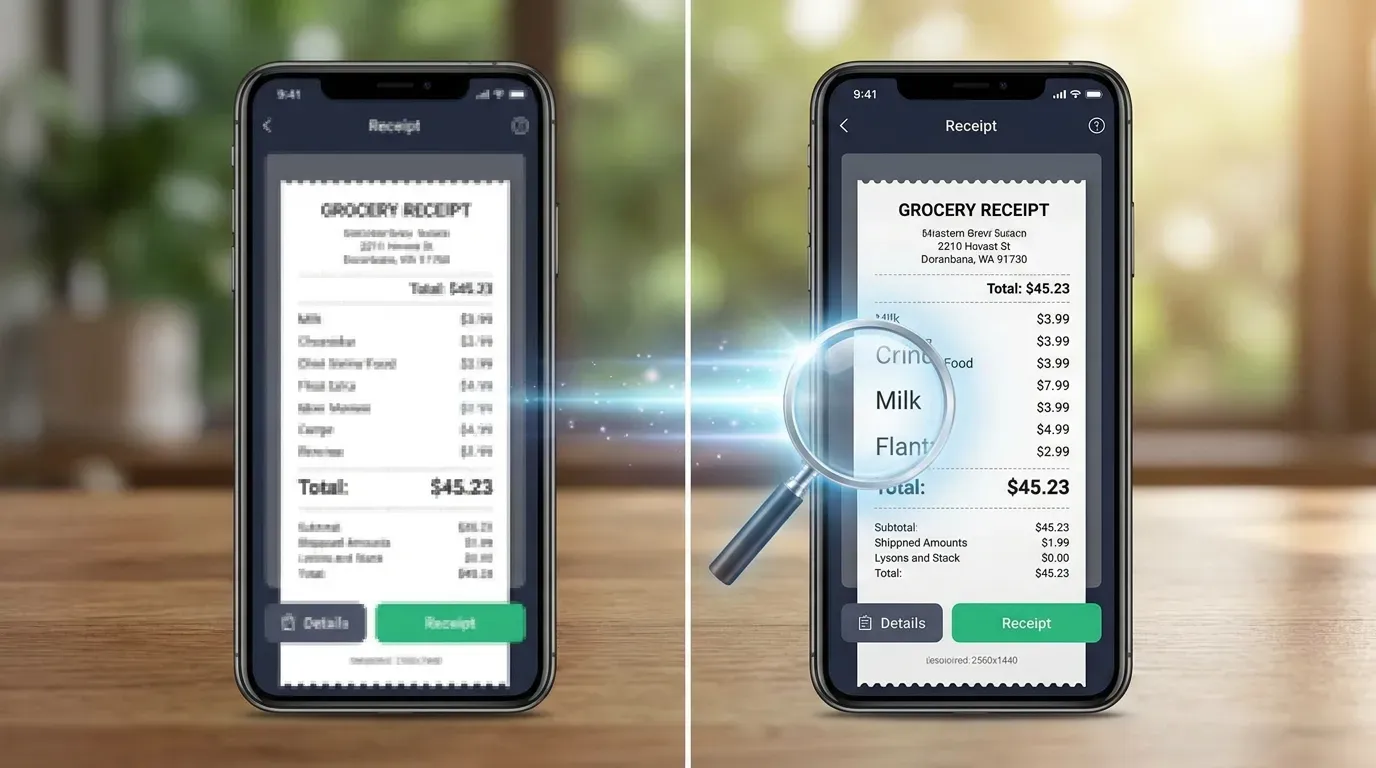
Screenshots often become blurry after resizing, compression, messaging apps, or repeated exports. If the original text and interface details are still partly visible, AI enhancement may make the screenshot easier to read and use in tutorials, documentation, or support conversations.
or click to browse from your device
The tool can help when letters, icons, and interface edges are soft but not completely unreadable. It is less reliable for tiny, heavily blurred, or intentionally obscured text.
Enhancement can make private details easier to read. After unblurring, check whether names, emails, URLs, or account data should be blurred before sharing.
A screenshot exported directly from the device is better than a screenshot copied through several apps. Start with the cleanest file you can find.
Practical expectations
A tutorial screenshot became fuzzy after resizing.
A support image has readable but soft UI text.
A dashboard capture needs cleaner labels before documentation.
How it works
Upload the best version of your image, run the AI enhancer, compare the result, and download the clearer copy when it looks natural.
Upload the fuzzy screenshot.
Run AI enhancement to improve text and UI edges.
Inspect important text and icons.
Download the clearer screenshot or blur private details before sharing.
Sometimes. It works best when text is only slightly soft and enough original detail remains.
Do not rely on it for that. The tool is intended to improve your own low-quality screenshots, not recover intentionally hidden information.
Check for private details. If the screenshot will be shared, blur names, emails, tokens, tabs, and account information first.
Use the unblur tool on this page, check the result carefully, and download the version that looks clean enough for your next use.
Unblur screenshot