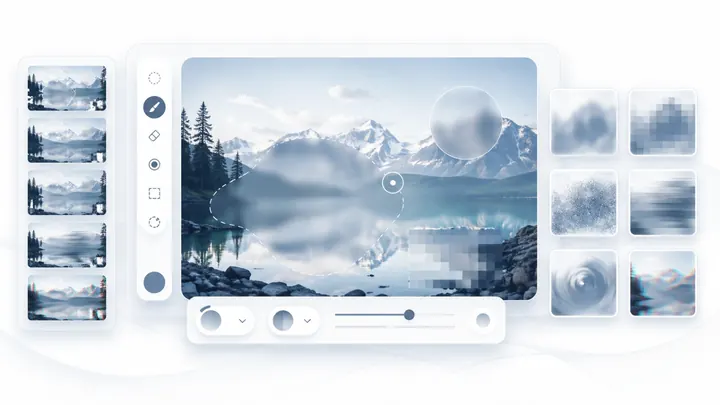
Blur Images Online for Free

Blur faces, text, backgrounds, screenshots, and sensitive details directly in your browser. Upload an image, preview the blur, and download a clean result without signing up.

Browser-basedPrivacy focusedFree to useMultiple blur effects

Image Blur Tool

Upload your images, adjust blur strength, preview in real time and download the blurred image.

Common uses

Blur the parts of an image that should stay private

Use Blur Image Online for everyday privacy edits before sharing photos, screenshots, documents, or website visuals.

Blur faces in photos

Hide people in group shots, event photos, or public images before posting them online.

Blur text in screenshots

Cover names, emails, account numbers, order IDs, addresses, and other sensitive text.

Blur photo backgrounds

Create a cleaner visual focus for profile photos, product shots, and social media images.

Blur private details

Mask license plates, receipts, forms, school documents, and client information quickly.

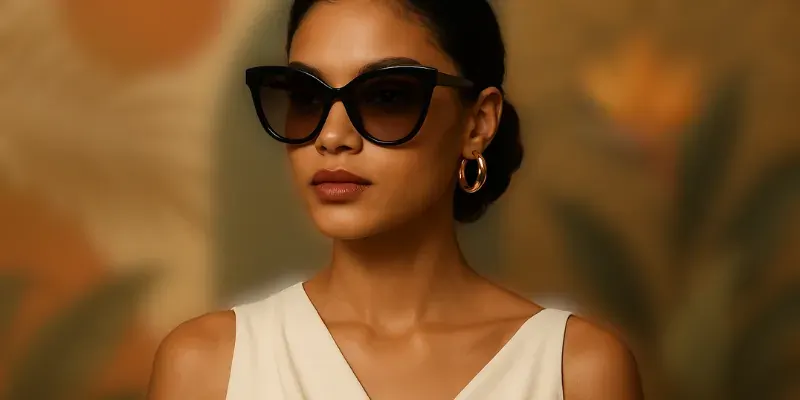
The image shows a woman with a blurred fashion background behind her.

Craft Stylish Backgrounds from Any Image

Transform an ordinary photo into a sophisticated, abstract background. Choose from multiple blur effects, including Gaussian blur, pixel blur, motion blur, and soft background blur, while preserving the original color and light.
A blurry promotional image

Evoke Emotion with Artful Blurring

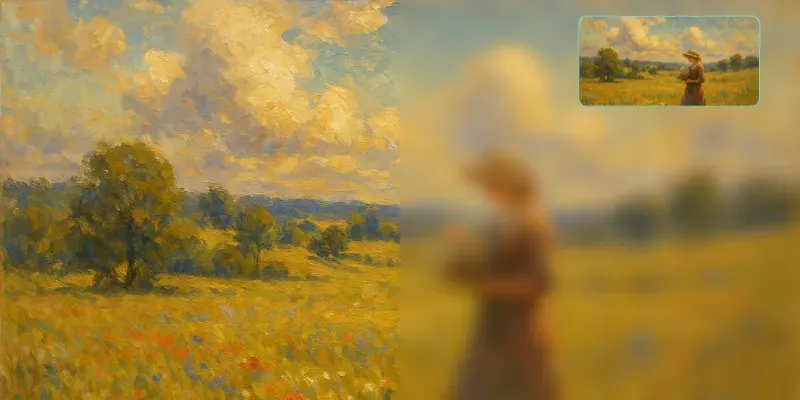
Blur is more than a filter; it's a powerful tool for artistic expression. Add a soft haze to a landscape to create a dreamy, ethereal quality, or give a portrait a gentle glow to evoke warmth and nostalgia. Use blur to explore and define your unique visual style.

Shows the original effect of the oil painting and the blurred effect

Generate Buzz with Teaser Images

Launching a new product? Announcing a big surprise? Use a blurred image to instantly capture attention and build anticipation. It’s a classic marketing technique that creates a sense of mystery and gets your audience excited for what's coming next.

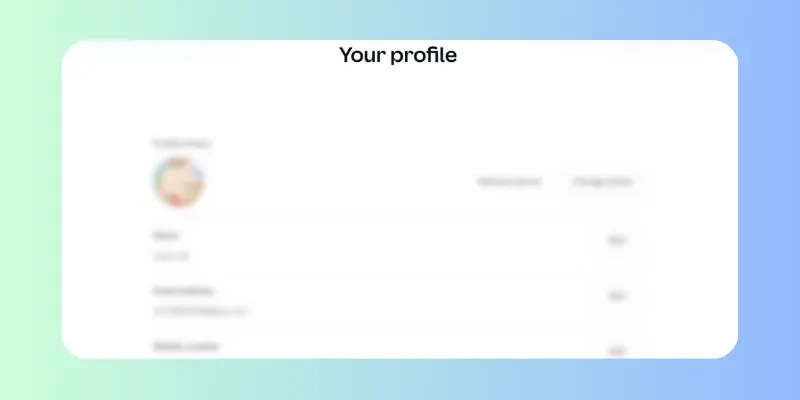
Image showing the blurring of private information

Share Safely by Obscuring Sensitive Details

Need to show a screenshot or a document without exposing sensitive information? Our blur tool allows you to obscure the entire image, hiding private details while still providing context. It's the ideal way to demonstrate a concept or user interface safely.

Supported Blur Effects

Choose the blur style that fits your image, from privacy masking to soft visual backgrounds.

Blur Image Online supports multiple blur effects for everyday editing tasks. Use Gaussian blur for natural background blur, pixel blur for hiding readable details, motion blur for a sense of movement, or soft blur for clean design backdrops.

Gaussian Blur

Creates a smooth, natural blur that works well for portraits, product photos, and background blur.

Pixel Blur

Turns details into blocky pixels, useful when you need to obscure faces, numbers, text, or sensitive screenshot areas.

Motion Blur

Adds directional blur that can make images feel more dynamic for posters, banners, and teaser graphics.

Soft Background Blur

Keeps colors and light while reducing distractions, ideal for website headers, presentations, and social posts.

Most blur and pixelation edits run directly in your browser, so your images stay on your device during normal editing.

Privacy and control

Designed for careful image redaction

A good blur tool should be simple, but it also needs to help you avoid accidental oversharing. The workflow keeps preview, adjustment, and export close together.

Preview before downloading

Check the edited image before saving so you can confirm the sensitive area is actually hidden.

Control exactly what to blur

Use batch blur for full-image effects or paint blur when only one face, label, or text block needs protection.

No account required

Start editing without registration, subscriptions, or a long onboarding flow.

Clean final download

Download the finished image and use it in posts, presentations, support tickets, or documentation.

How to Blur Photo Online

Blur your image perfectly in three simple steps.

1

Upload Your Image

Click the upload area or simply drag and drop your file. We support all major formats like JPG, PNG, and WEBP.

2

Adjust The Blur

Use the intuitive slider to control the blur intensity. The live preview shows your changes instantly.

3

Download Your Image

Once you are happy with the result, click the download button to save your new, perfectly blurred image for free.

Effortless Image Blurring & Editing

Unlock the full potential of your photos with our meticulously crafted features, designed to make image blurring and photo editing simpler, faster, and incredibly precise.

Fast and Easy Blurring

Upload your image effortlessly and apply the blur effect within seconds. Our intuitive interface lets you control blur strength with a simple slider, making the process smooth and user-friendly for everyone.

Real-Time Preview

Experience instant feedback. Our dynamic live preview lets you fine-tune the blur intensity and watch changes unfold in real time. No more guesswork – precisely tailor the effect and confidently achieve your desired visual before downloading your perfectly blurred image.

Privacy and Security Guaranteed

All image processing happens directly in your browser — we never upload your photos to any server. Your images stay private and secure, giving you peace of mind while editing sensitive content.

Completely Free to Use

Our tool is 100% free with no hidden fees, no registration, and no limitations on usage. Blur as many images as you want without worrying about restrictions or trial versions.

Hear What Our Happy Users Say

Real Reviews of Our Easy & Secure Photo Blur Tool

"I used the blur brush to hide names and order numbers in a client screenshot before sending it to our support team. The preview made it easy to check that nothing sensitive was still readable."

@Sarah Mitchell

Frequently Asked Questions